Appendix
LITECOM, Commissioning and maintenance instructions 17.0 | 04.2024 | en 179
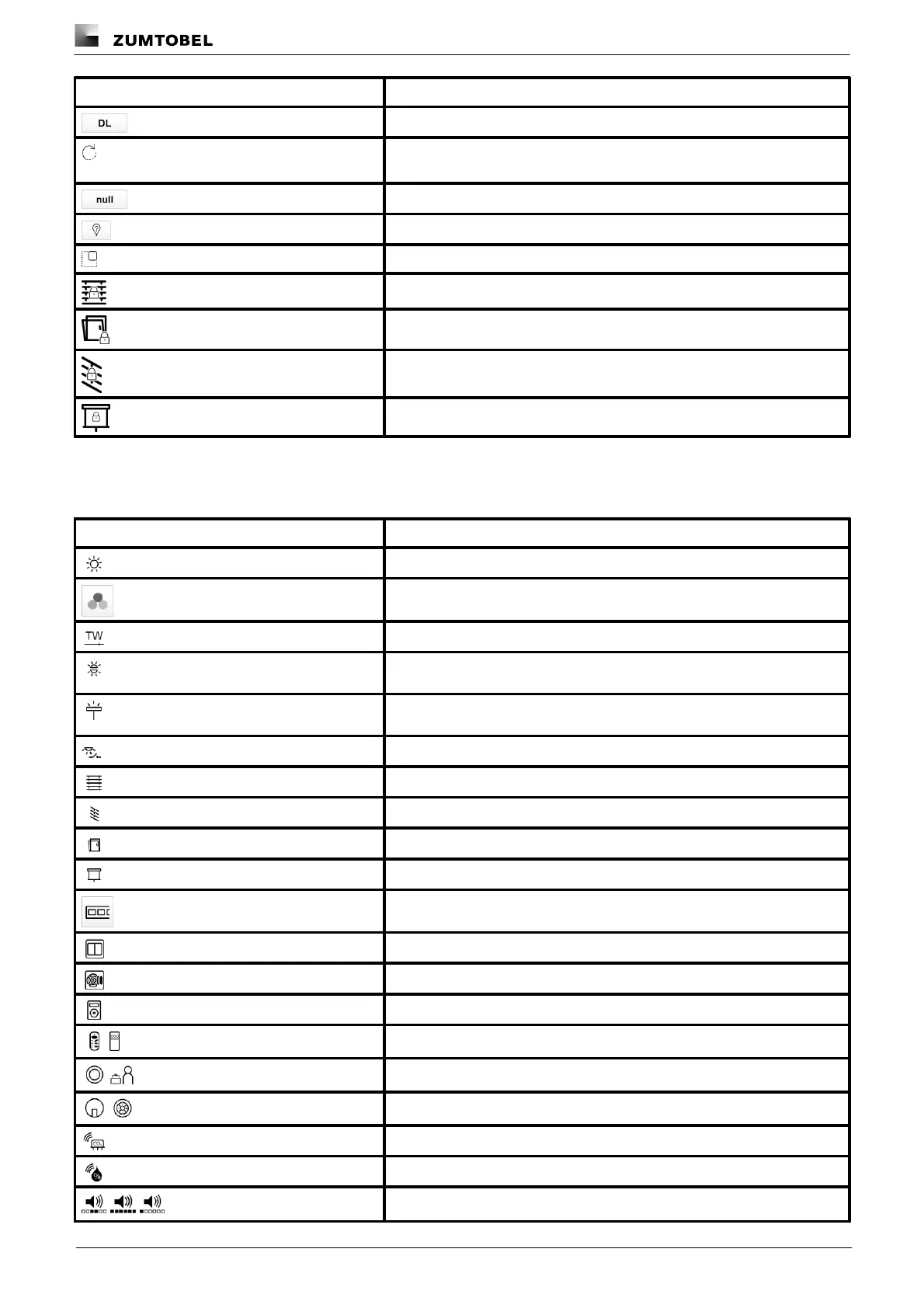
Setting is controlled via daylight linking
A show is stored for this setting; the settings can only be changed in the
Shows app
Blind position: no movement with scene recall
Window position: no movement with scene recall
Slat position: no movement with scene recall
Screen position: no movement with scene recall
Table 81: Icons in the "Scenes" app
“System image” app
Blinds (type 3, type 3+4)
Momentary-action switch/standard switch
Presence detector (generic and MSensorG3)
Noise sensor (average, maximum and minimum)



 To Next Page