Configuration
LITECOM, Commissioning and maintenance instructions 17.0 | 04.2024 | en 66
Deleting standard scenes
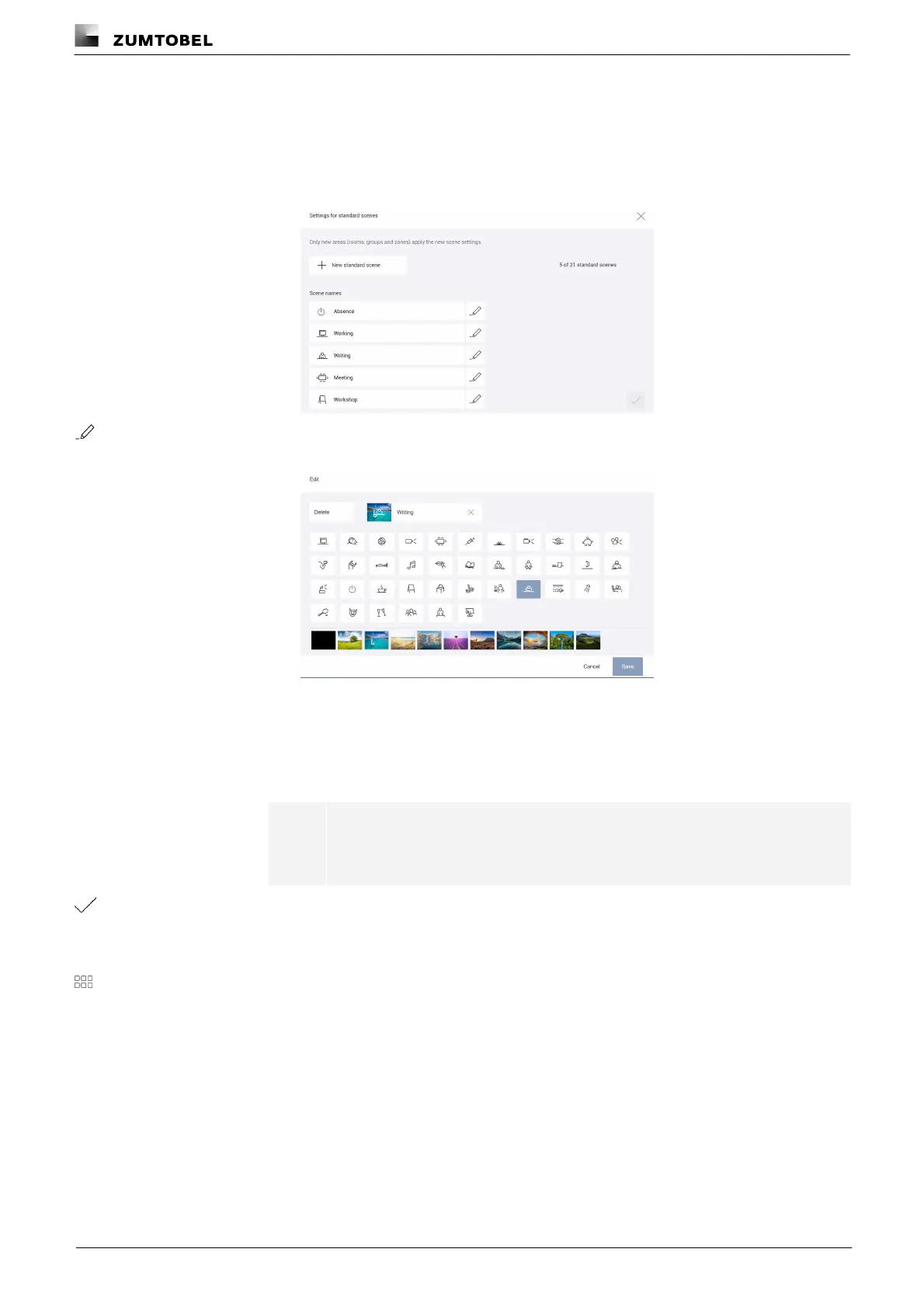
Path: App overview > Basic settings > Settings for standard scenes
1. Navigate to the path.
ÜThe Settings for standard scenes view is displayed.
2. Tap the button.
ÜThe Edit view is displayed.
3. Tap the Delete button.
ÜThe Delete scene view is displayed.
4. Tap the Delete button again.
ÜThe Settings for standard scenes view is displayed.
Note
The Absence and Working scenes cannot be deleted.
5. Tap the tick mark.
ÜThe Basic settings view is displayed.
ÜThe standard scene is deleted.
6. Tap this button to access the app overview.



 To Next Page