5-6
Gravity Sensor
The gravity sensor in your Pocket PC is able to recognize its own orientation
manipulated by your hand, and would so change the screen orientation
accordingly. For example, if you position the device vertically and then turn it
into a horizontal orientation, the screen mode will then change from portrait to
landscape automatically.
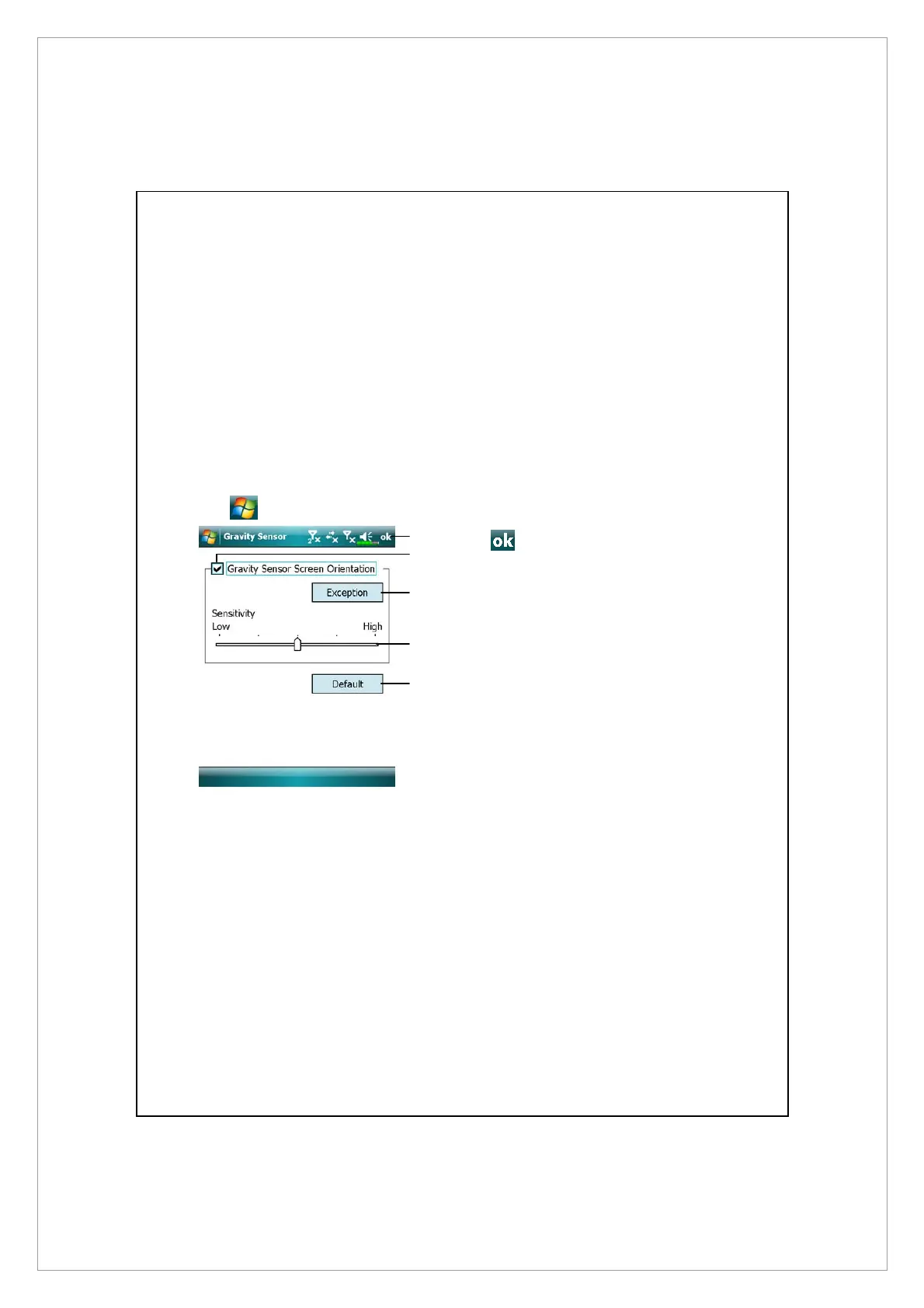
Tap
> Settings > System tab > Gravity Sensor.
n
Tap to save settings.
o
Check “Gravity Sensor Screen
Orientation” to turn on Gravity
Sensor.
p
Tap to check applications in
which gravity sensor will disable
itself.
q
Drag the slider to adjust the
sensitivity.
\
Restore to default system
settings.
o
p
n
q
\



 To Next Page