7-14
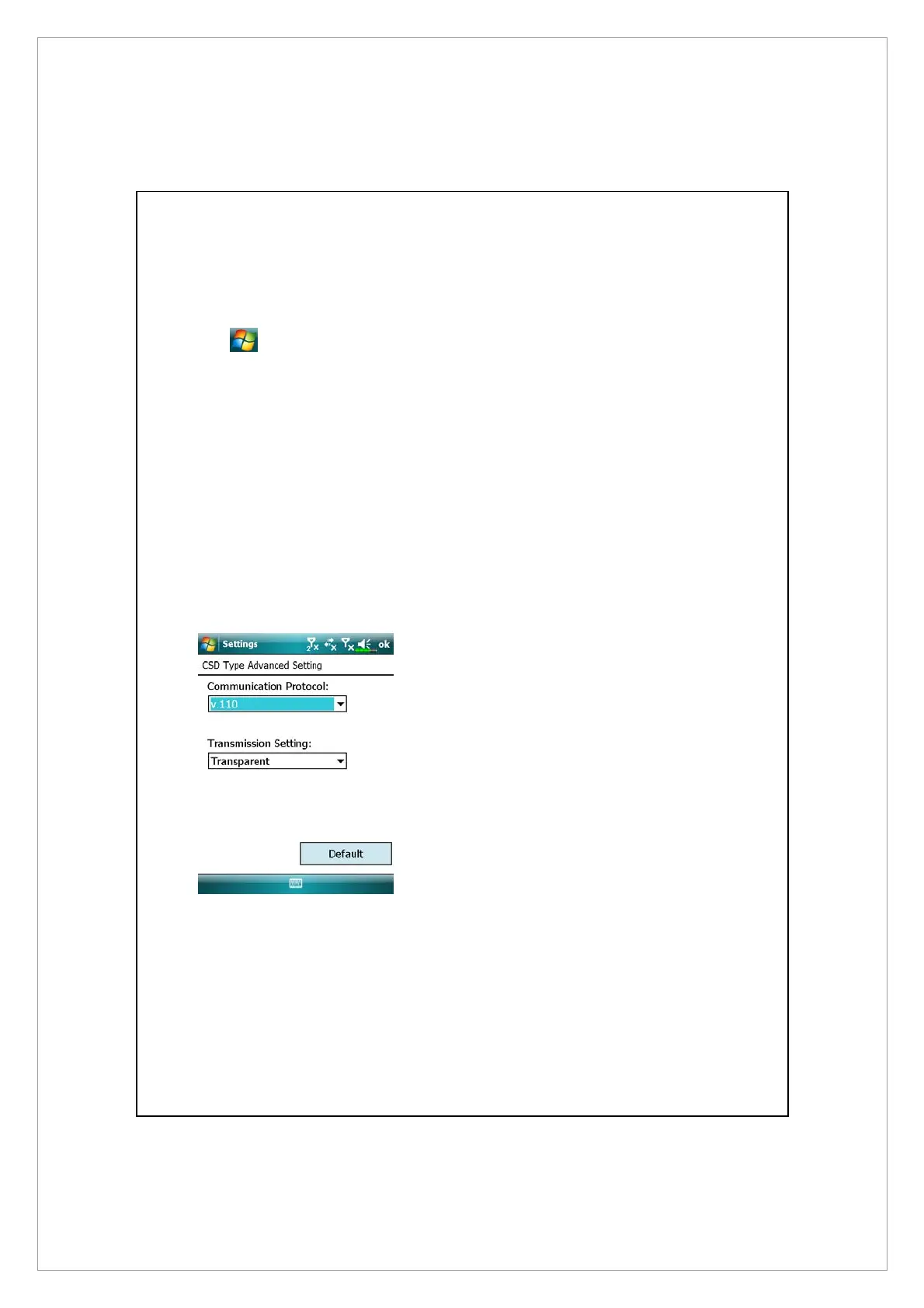
CSD Type
Tap
> Settings > Connections tab > CSD Type.
You must first apply for Circuit-Switched Data (CSD) service from your telecom
company before you can use this function. In short, this function is similar to the
modem dial-up in a personal computer. By simulating the Pocket PC as a
modem and connecting through the built-in GSM device, you can use the
Pocket PC to access the web.
To start using this function, please install the CSD service-enabled SIM card in
SIM1 slot and activate Phone1.
Á
This figure is for reference only.
The parameters shown in the
screen will be based on the
settings provided by your telecom
company. The charge rate is
regulated by your telecom
company.



 To Next Page