10-18
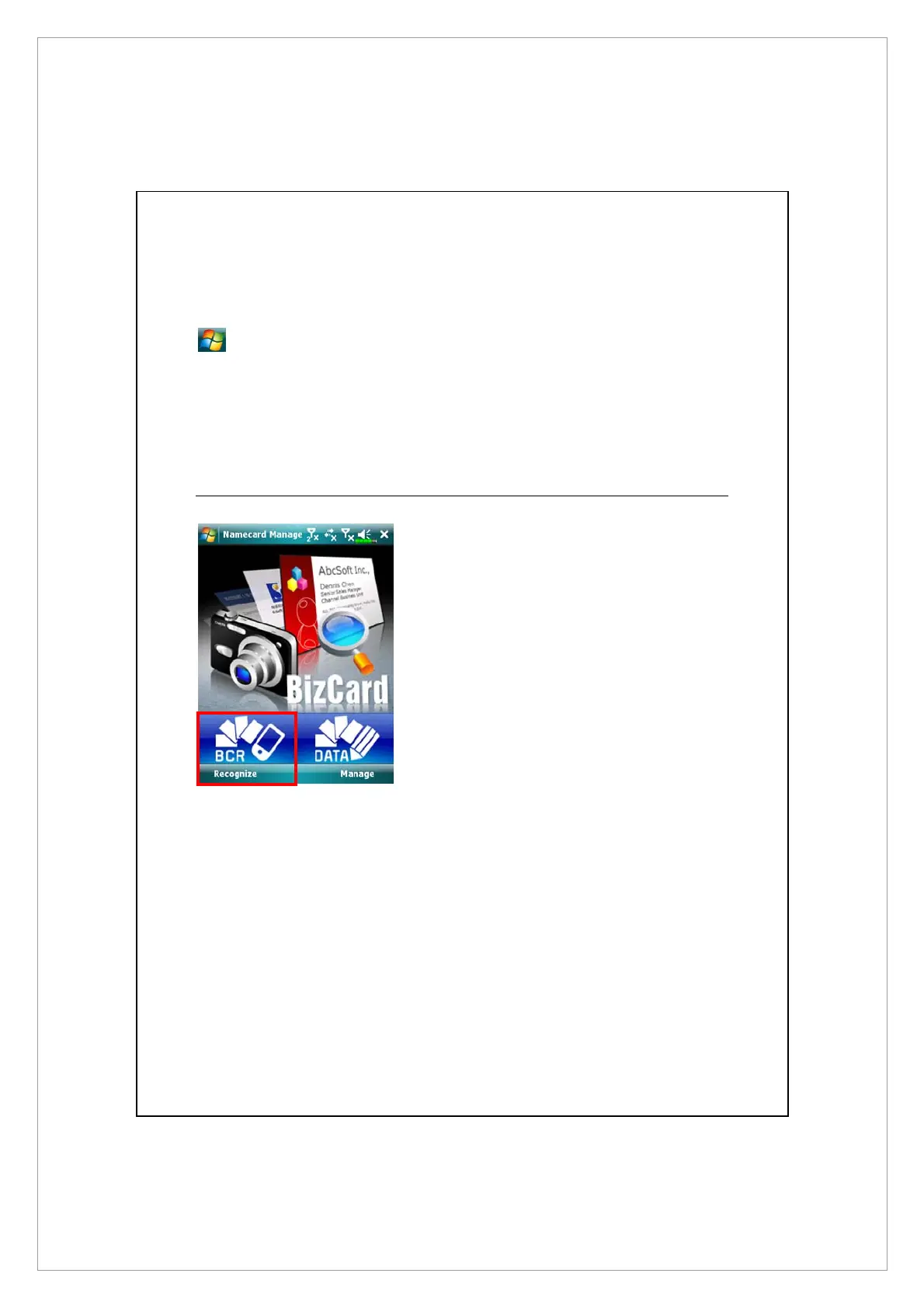
Namecard Manager
> Programs > Multimedia > Namecard Manager.
Provides full name cards management for scanning paper name cards into a
digital format. The contacts database from Pocket PC can also be integrated
into a unified contacts book.
Digitize New Name Cards
1. Tap Recognize.
2. Tip: Before taking a picture, please take the following pointers to
improve recognition quality.
X
If the original name card is a landscape design, it is recommended that
you rotate the Pocket PC before taking the picture.
Y
Keep the Pocket PC’s camera lens at a distance of 10~12cm.
Z
Fill the four corners of the screen marked by red indicators with the
name card.



 To Next Page