2-32
Create a Recording
1. Hold your Pocket PC’s microphone near your mouth or other source of
sound.
2. Press and hold the Record hardware button on your Pocket PC until you hear
a beep.
3 While holding down the RECORD button, make your recording.
4 To stop recording, release the RECORD button. Two beeps will sound. The
new recording appears in the note list or as an embedded icon.
Note
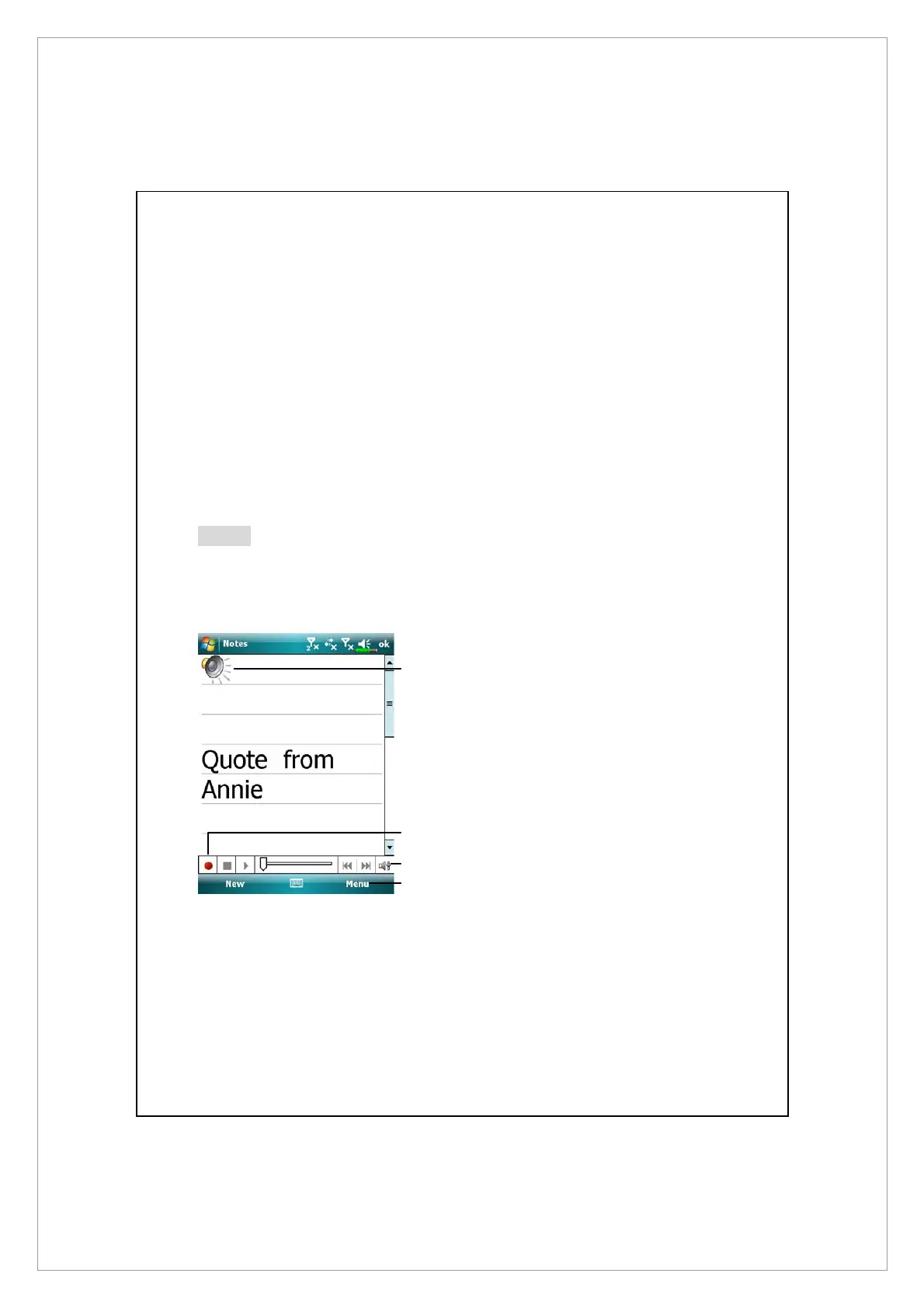
You can also make a recording by tapping the RECORD button on the
Recording toolbar.To play a recording, tap it in the list or tap its icon in the note.
n
Indicates an embedded
recording.
o
Tap to begin recording.
p
Recording toolbar.
q
Tap Menu and then check View
Recording Toolbar.
n
o
q
p



 To Next Page