1-12
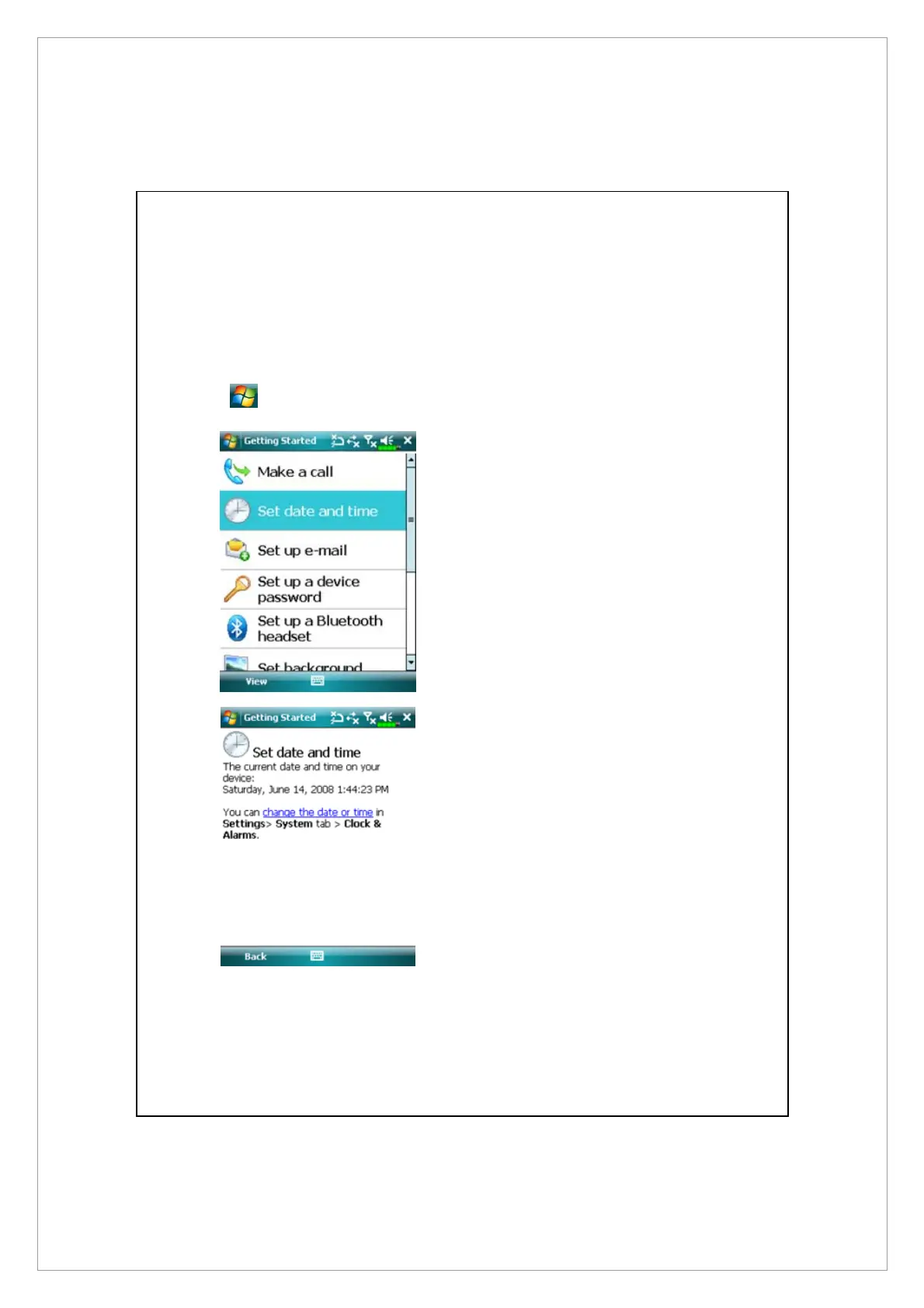
Getting Started
Getting Started provides you with basic concepts and shortcuts to certain
primary features and settings.
Tap
> Programs > Getting Started.
1 Tap a subject to view how to get
started.
2 Tap hyperlink to execute the
specified command.
3 Tap Back to return to the
Getting Started main screen.



 To Next Page