Companion Programs 11-9
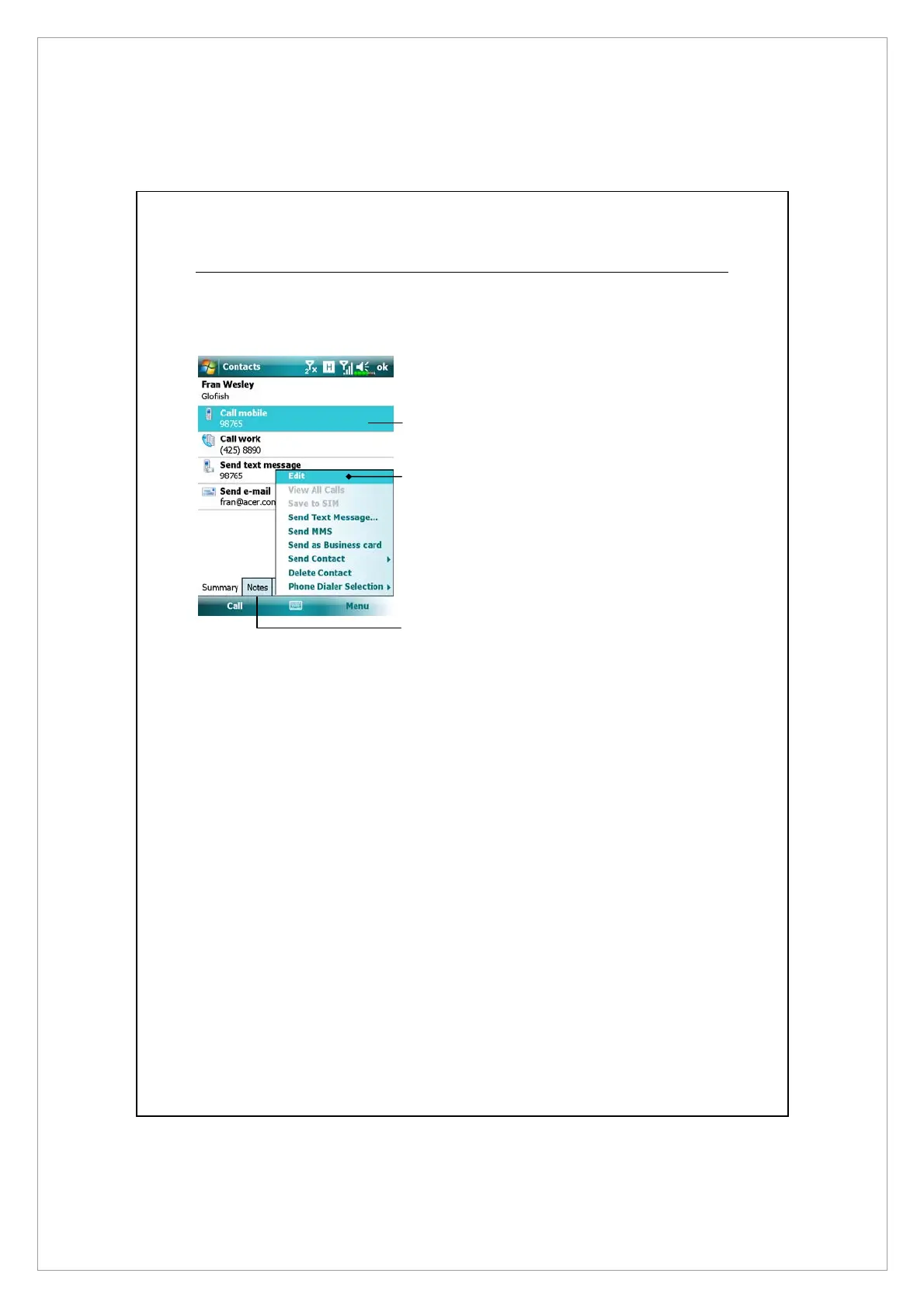
Using the Summary Screen
When you tap a contact in the contact list, a summary screen is displayed.
n
View contact details. All of the
available contact information is
listed, you can tap and use easily.
o
Provides the relevant menu.
For example, select Edit to
change the contact information.
Or select Save to SIM or Save to
Contacts to duplicate to Contacts
or SIM phonebook.
p
Tap to view notes.
n
o
p



 To Next Page