Maintaining the Pocket PC 12-3
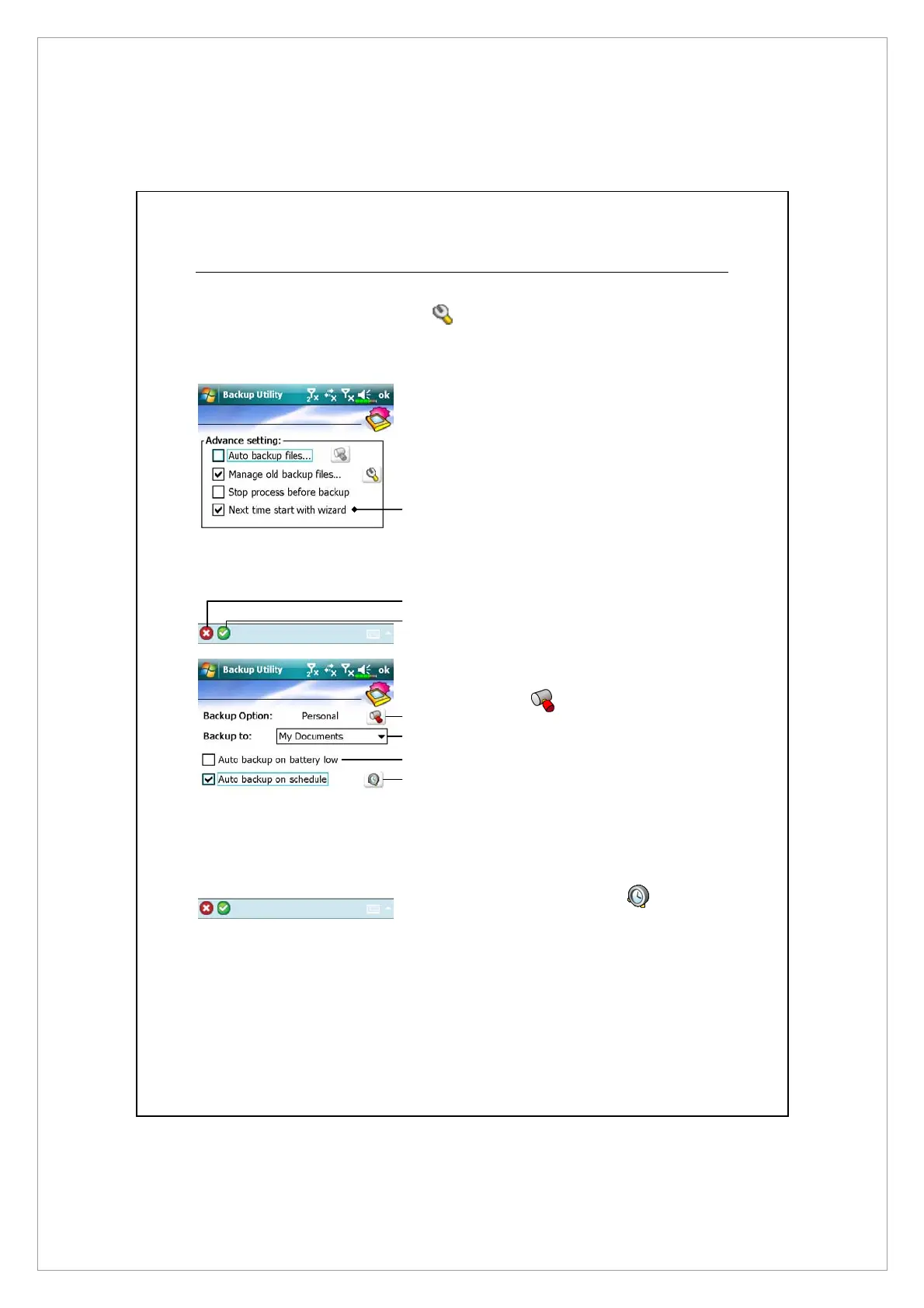
Advanced Settings Options
Under the Backup Files screen, tap
Advanced button to enter the Advanced
settings screen as shown below.
Á
Check the options as required.
n
If you check this option, the
Wizard will guide you through
the steps to complete the
operation the next time you open
Backup Utility.
o
Cancel button
p
OK button
Á
If you checked “Auto backup
files,” tap
to enter the
screen shown on the left.
n
Select the backup option.
o
Select the site to backup to.
p
Pocket PC performs auto backup
when the battery power is low.
q
To backup regularly, tap to
select “Auto Backup on
schedule.”
p
o
n
p
q
o
X



 To Next Page