2-33
Voice Commander
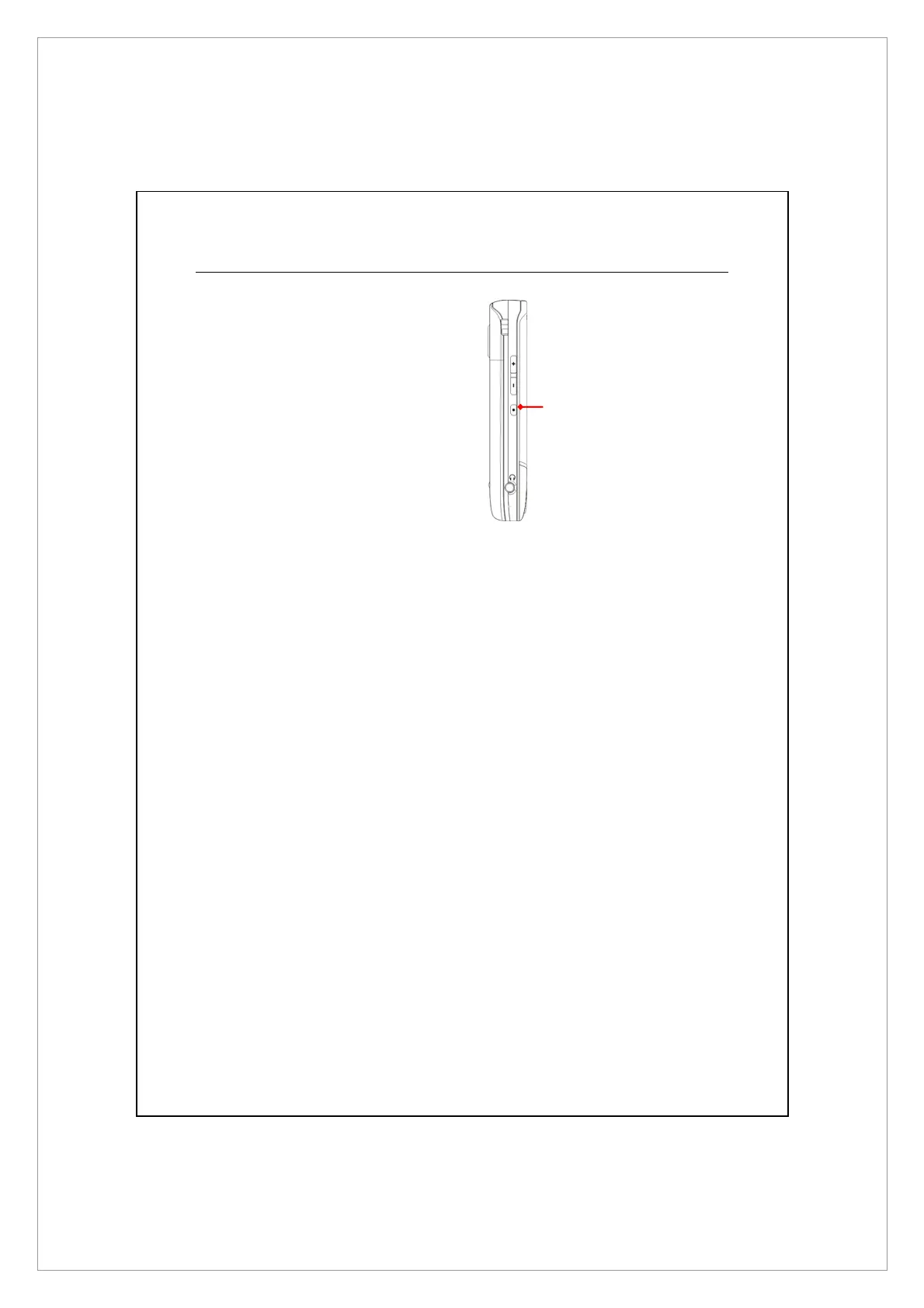
By default, the system sets the button
on the side of the Pocket PC as the
“Voice Commander button.” Press
this button to launch the Voice
Commander. For details on how to
use this function, please refer to the
Voice Commander section.
Voice Commander button



 To Next Page