Multimedia 10-3
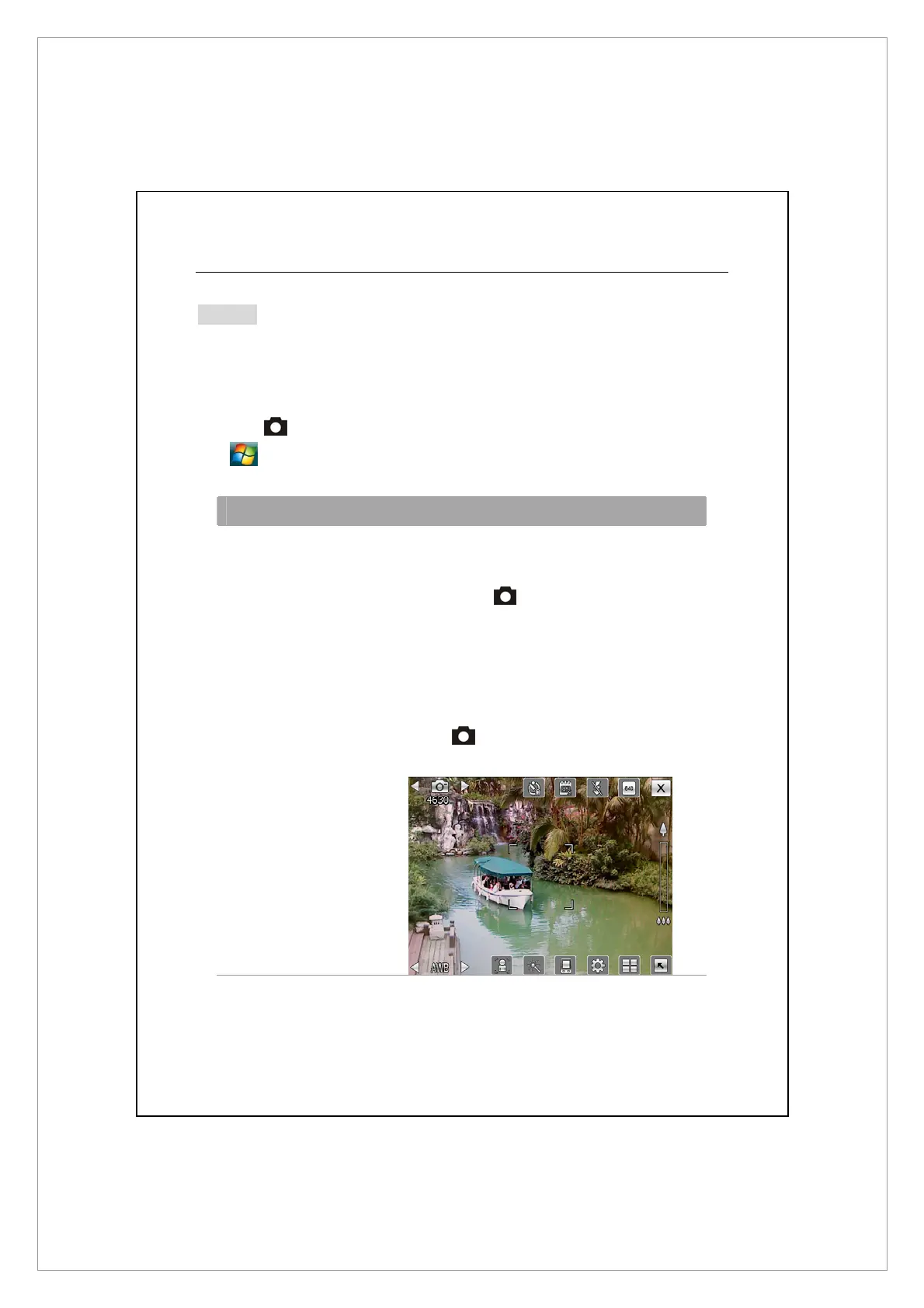
How to Use the Camera?
Notes
For example, to take a self-portrait, face the light source and avoid dark
surroundings or your back to the light source for better results
Press the
button on the Pocket PC.
Tap
> Programs > Multimedia > Camera.
Action Instructions
Scenery or Portrait
(Default)
1. Point the screen of the Pocket PC toward
you.
2. Press half the
key to activate auto focus.
When you hear beeps and the focus frame
becomes green from red, press the same key
to take a picture.
3. If the screenshot is good, press the camera
shutter
on the side of the Pocket PC to
take the picture.



 To Next Page