1-13
Power On and Off
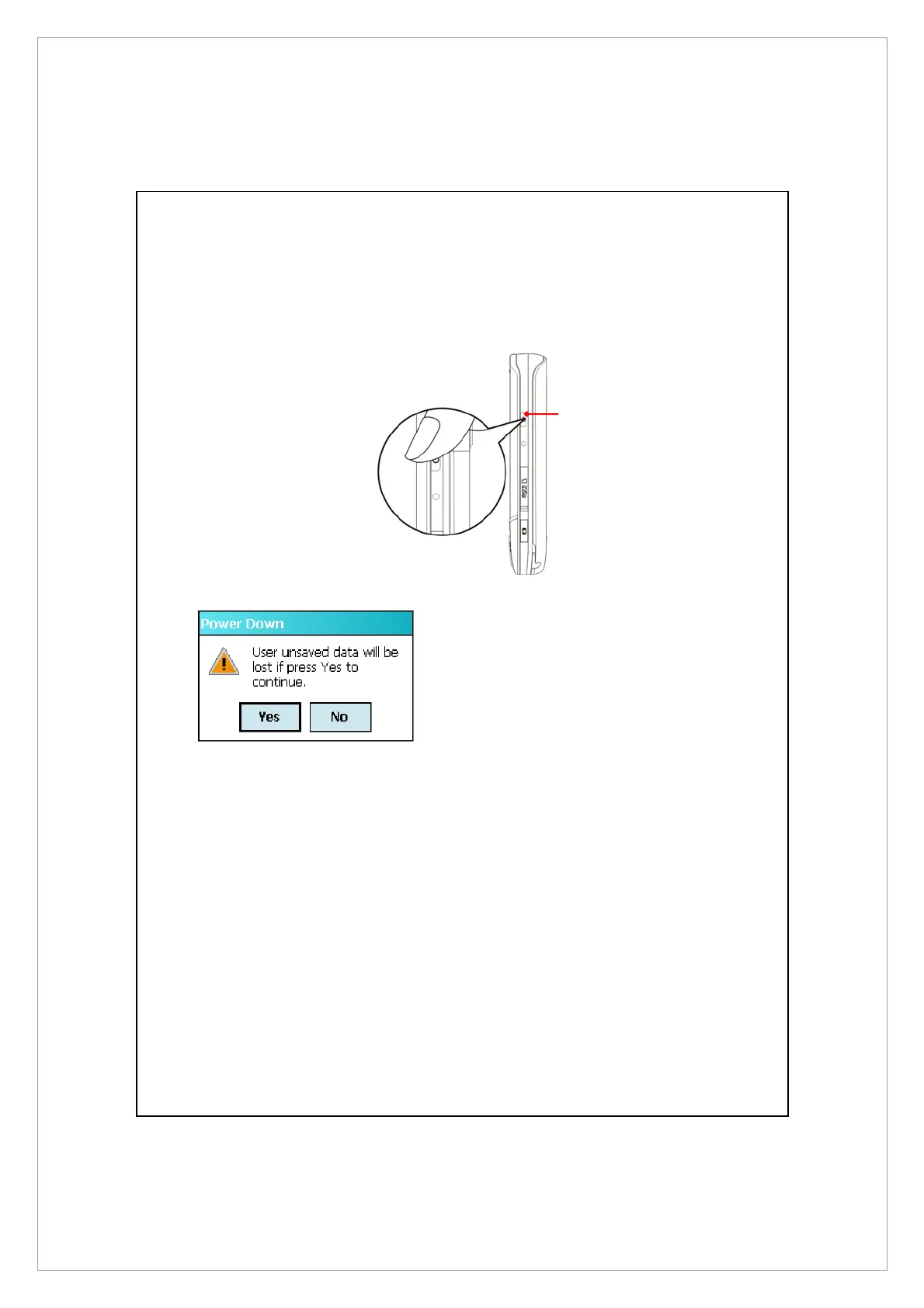
1 .Press and hold the POWER
button on the Pocket PC and
then tap Yes to turn off the
Pocket PC. All functions will be
disabled; this is not the same as
entering Sleep mode.
2 .To turn on, simply press the
POWER button once.
POWER button



 To Next Page