Emails and Messages 9-5
Creating a Text Message
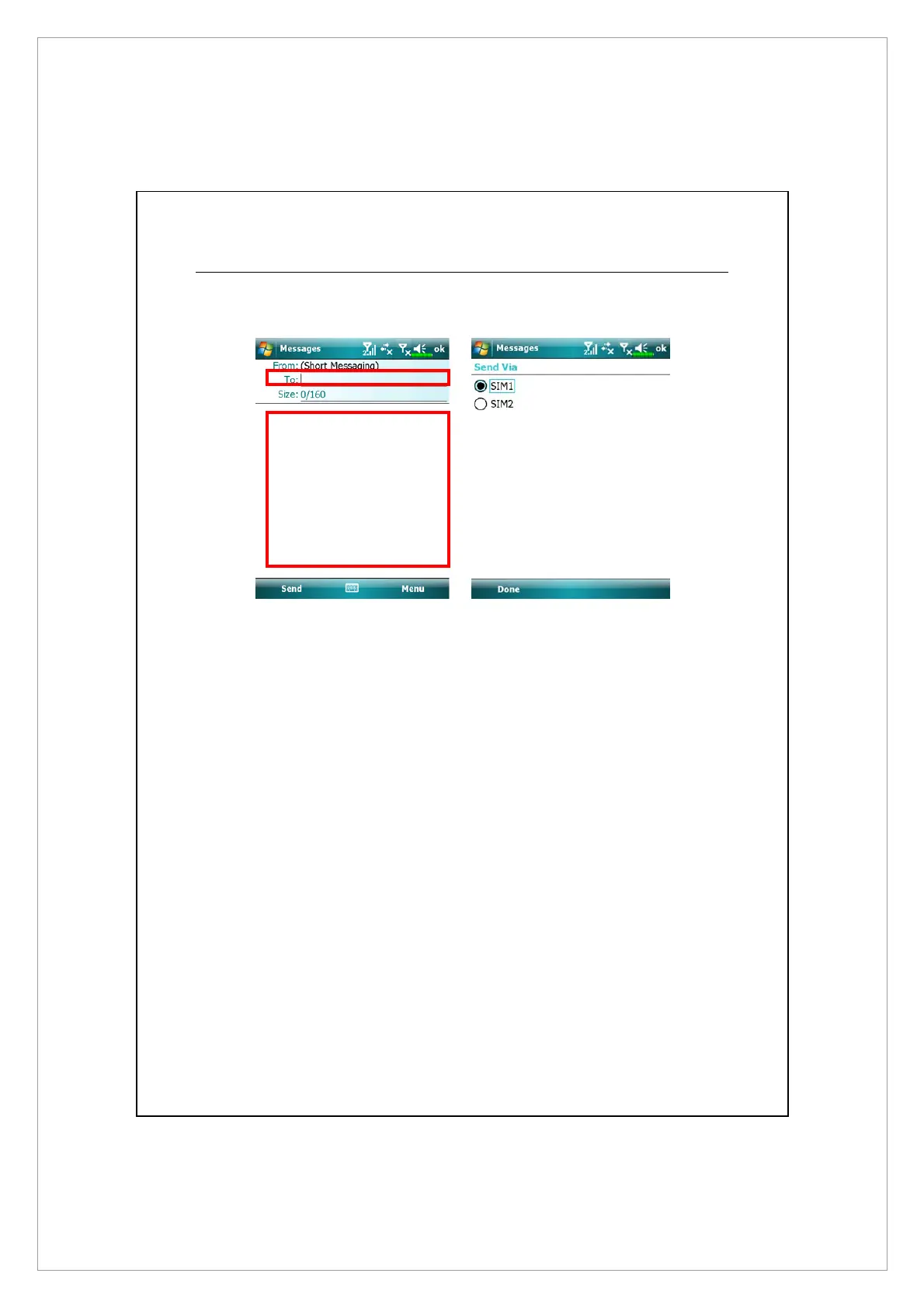
1. On Messaging screen, tap Messages > Menu > New > Text Message
2. In To: filed, enter the number of recipient or tap Menu > Add Recipients to
select a contact. If there is more than one contact, use a semi-colon (;) to
separate them.
3. In Text field, enter your message. You can tap Menu > My Text to use canned
messages.
4. Tap Send.
5. Select the SIM number you will use to send this message.



 To Next Page