Voice Commander 13-15
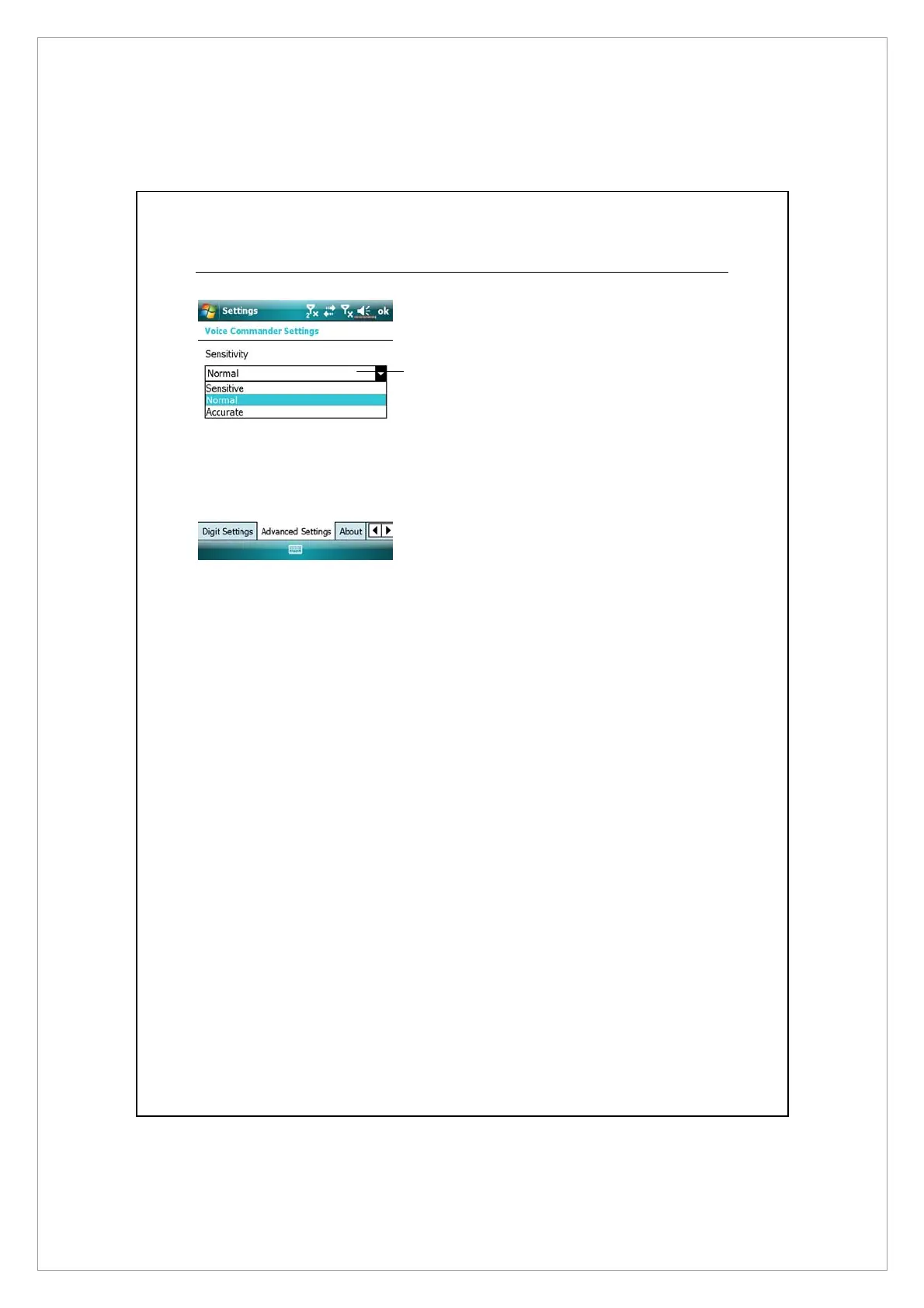
Advanced Settings Page
n
Sensitivity: When you use this
setting, the voice recognition
system is not as strict while
performing voice recognition
tasks, in other words, under this
setting the system will respond to
your voice most of the time and
you won’t have many
non-responsive situations. You
should set the system to Sensitive
when in continually noisy
environments, for example when
on a train or in a factory, etc.
Normal: Normal is the default setting and is best for the average
environment.
Accurate: Under the Accurate setting, the system is more strict when
performing voice pattern matching. Recognition errors are less likely to
occur when you set the system to Accurate.
n



 To Next Page