Voice Command Satellite Navigation 3-1
3
V
V
o
o
i
i
c
c
e
e
C
C
o
o
m
m
m
m
a
a
n
n
d
d
a
a
n
n
d
d
S
S
a
a
t
t
e
e
l
l
l
l
i
i
t
t
e
e
N
N
a
a
v
v
i
i
g
g
a
a
t
t
i
i
o
o
n
n
/
/
Navigation Device Installation
n
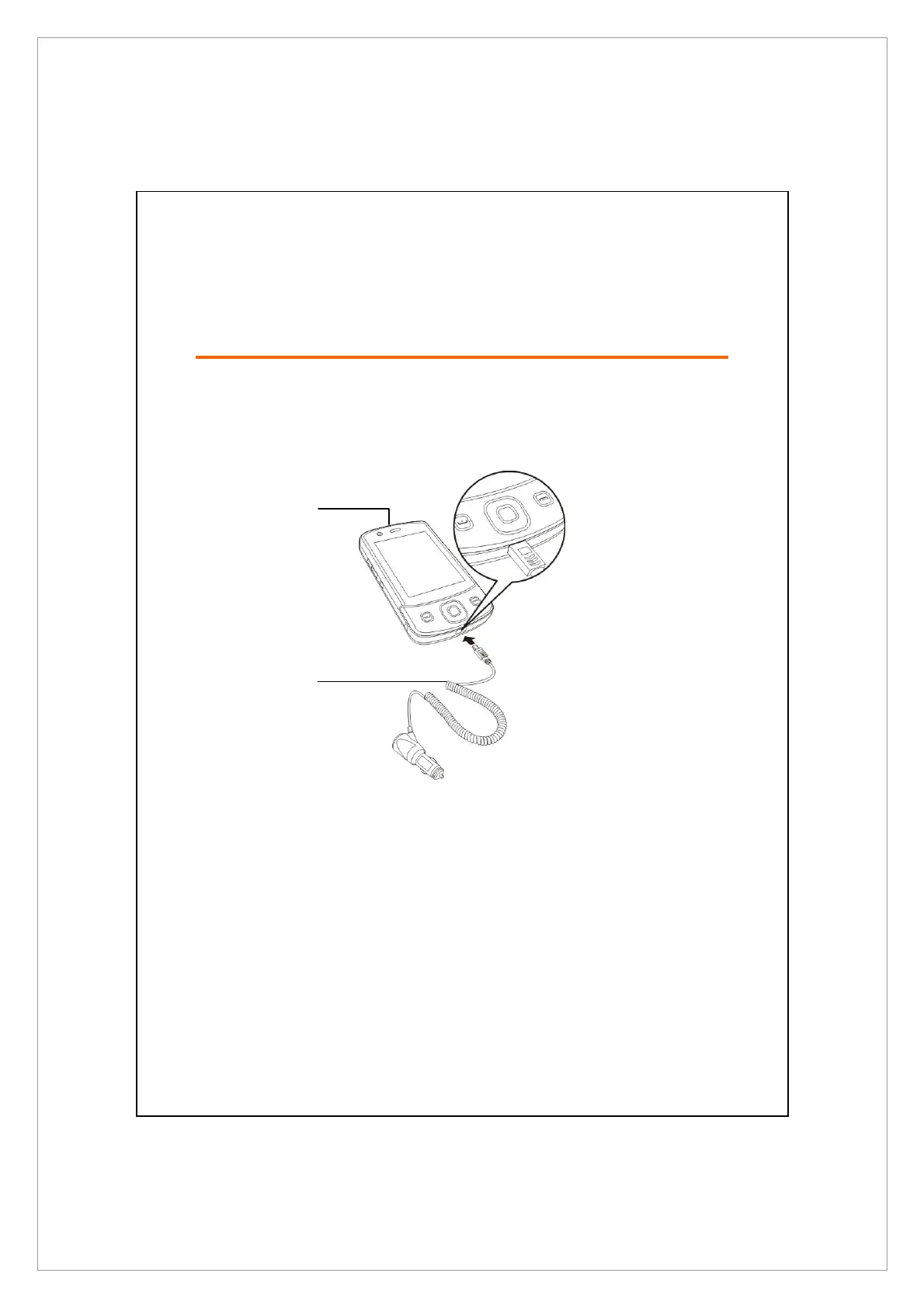
Pocket PC
o
Car Charger (* optional): when Pocket PC is low on power, recharge by
connecting one end to the car cigarette lighter/12 volt power outlet and the
other end to the socket on base of Pocket PC.
Attention: The GPS signal receiver is built into the Pocket PC. If car windscreen
has heat reflective metallic film, or Pocket PC is obstructed by objects,
then the receptivity of the GPS will be adversely affected.
n
o



 To Next Page