Synchronization 6-7
USB Synchronization
Before you start to synchronize, use the Pocket PC Getting Started CD to install
synchronization tools on your personal computer. For more information on how
to install, please refer to the Pocket PC Getting Started CD or online help.
Synchronization tool is already installed on your Pocket PC.
ActiveSync synchronization settings:
1. After installation is complete, the Setup Wizard will continue to guide you.
Adjust the specifications according to your actual needs.
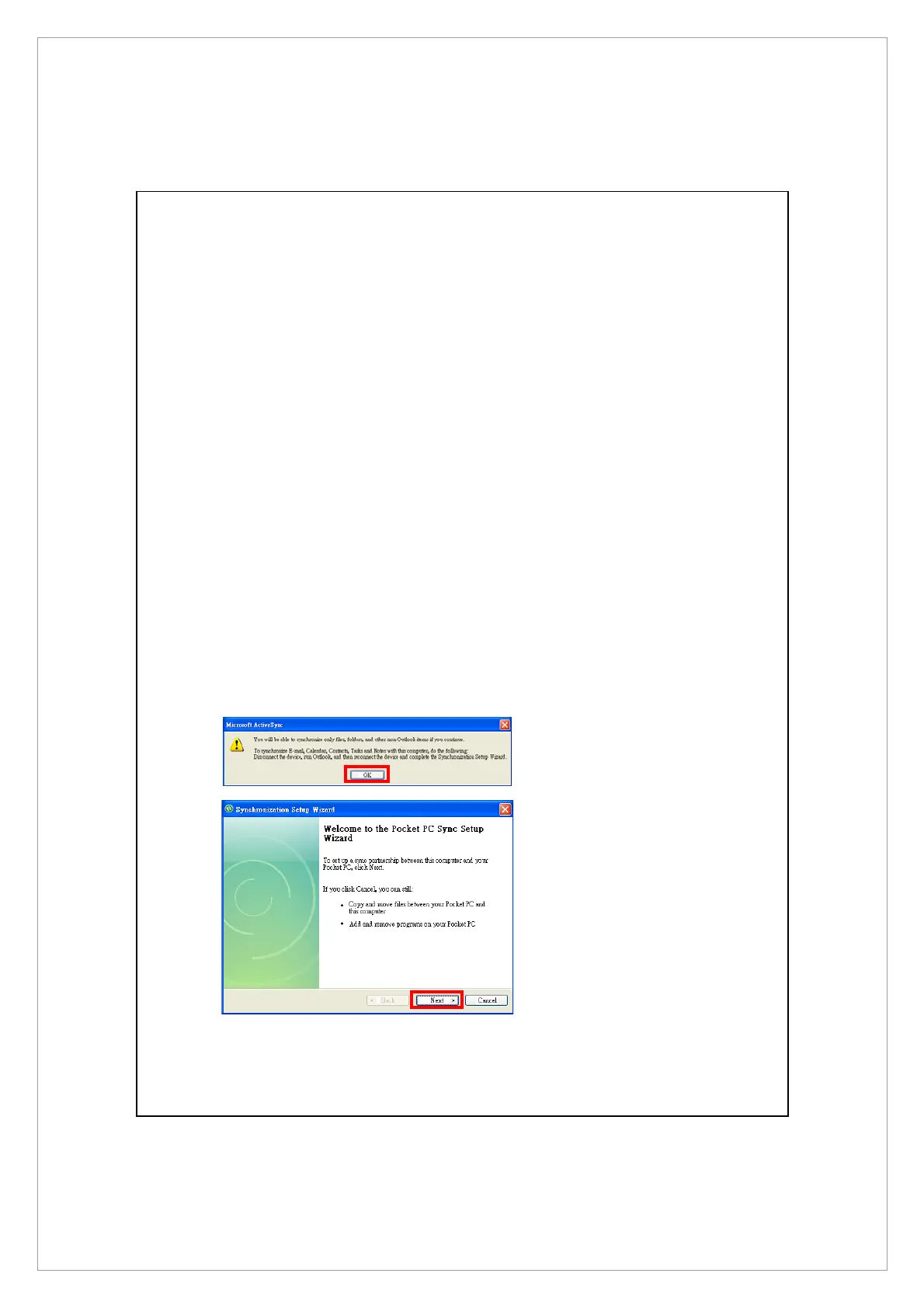
2. Use the USB cable to connect the two devices properly and the Set Up a
Partnership screen appears on the personal computer. Set it up according to
your requirements.
n
Click OK.
o
Click Next.



 To Next Page