1-7
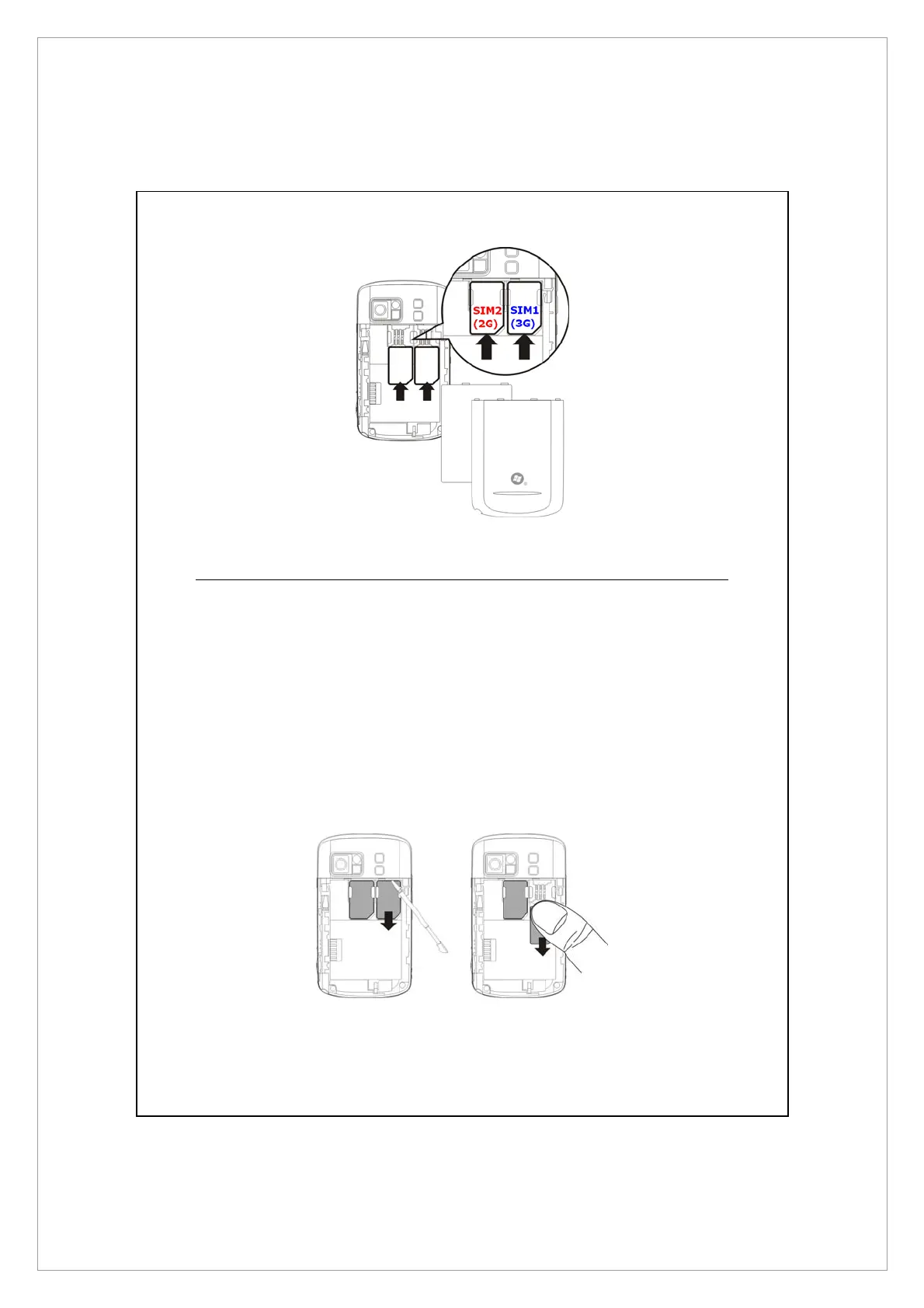
Removing the SIM Card(s)
1. Disconnect the USB cable or AC adapter if either of them is connected to
your Pocket PC.
2. If the battery is installed, turn off the device and remove the battery.
3. With a small amount of pressure, plug your stylus tip a bit into the hole on
the top of SIM slot, use it to hook the SIM card edge until it loosens from
the SIM card holder.
4. Use your finger to slightly slide the SIM card out of the card slot.



 To Next Page