12-2
Backup Files
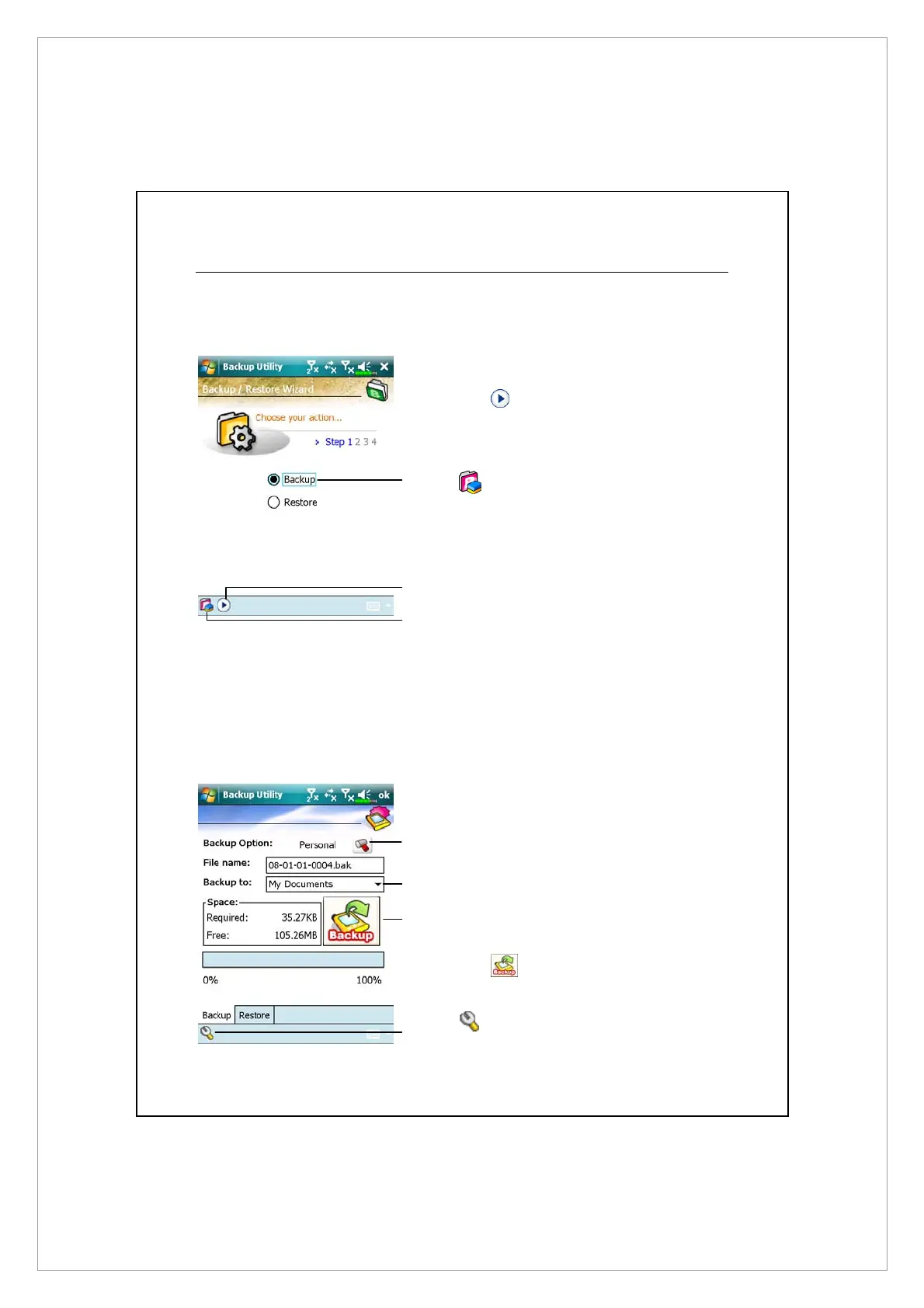
Wizard Mode
n
Tap Backup.
o
Tap Next button and the
Wizard will guide through the
steps that follow.
p
Standard: Switch to the
Standard mode.
Standard Mode
Backup your personal data to a storage space.
Á
Tap the Backup tab.
n
Tap to check the items for
backup.
o
Tap to select the storage space
from the list.
p
Tap Backup button to start
the backup.
q
Advanced button: Enter the
Advanced settings screen.
o
q
p
o
n
p
n



 To Next Page