1-15
Turn on the Screen
This product is designed with a power-saving feature. If the screen is turned off,
press the POWER button of the Pocket PC to turn it on.
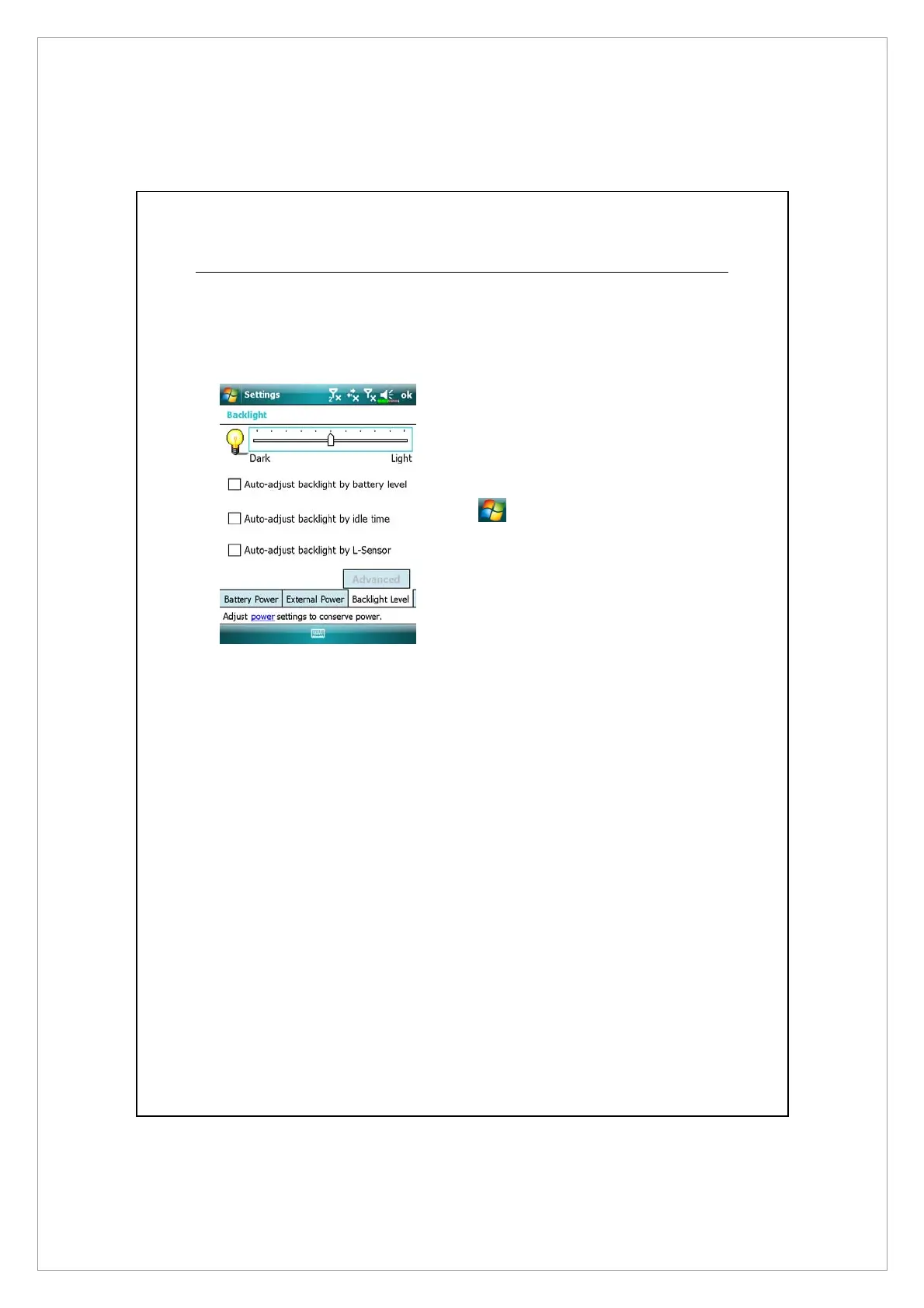
If the screen is too dark and you
cannot see clearly, set the proper
brightness level for the backlight.
Tap
> Settings > System tab
> Backlight > Backlight Level tab.



 To Next Page