11-4
Notes
If you select Remind me in an appointment, your Pocket PC will remind you
according to the options set in
> Settings > Personal tab >Sounds &
Notifications.
Use the Summary Screen
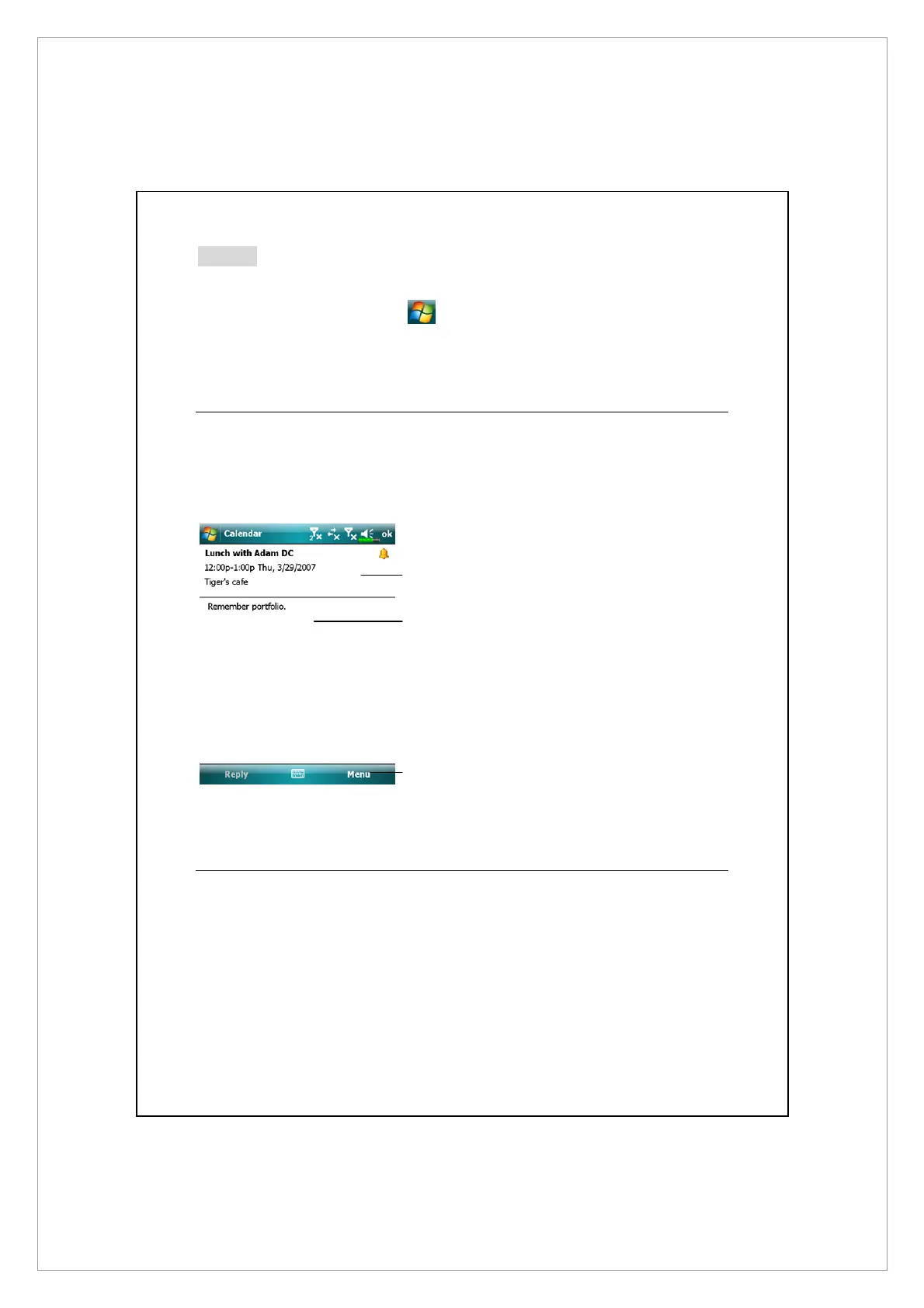
When you tap an appointment in Calendar, a summary screen is displayed. To
change the appointment, tap Edit.
n
View appointment details.
o
View.
p
Tap Menu and then Edit to
change appointment.
Create Meeting Requests
You can use Calendar to set up meetings with users of Outlook or Pocket
Outlook. The meeting request will be created automatically and sent either
when you synchronize Inbox or when you connect to your e-mail server. Indicate
how you want meeting requests sent by tapping Menu > Tools > Options.
n
o
p



 To Next Page