Multimedia 10-21
Name Cards Management
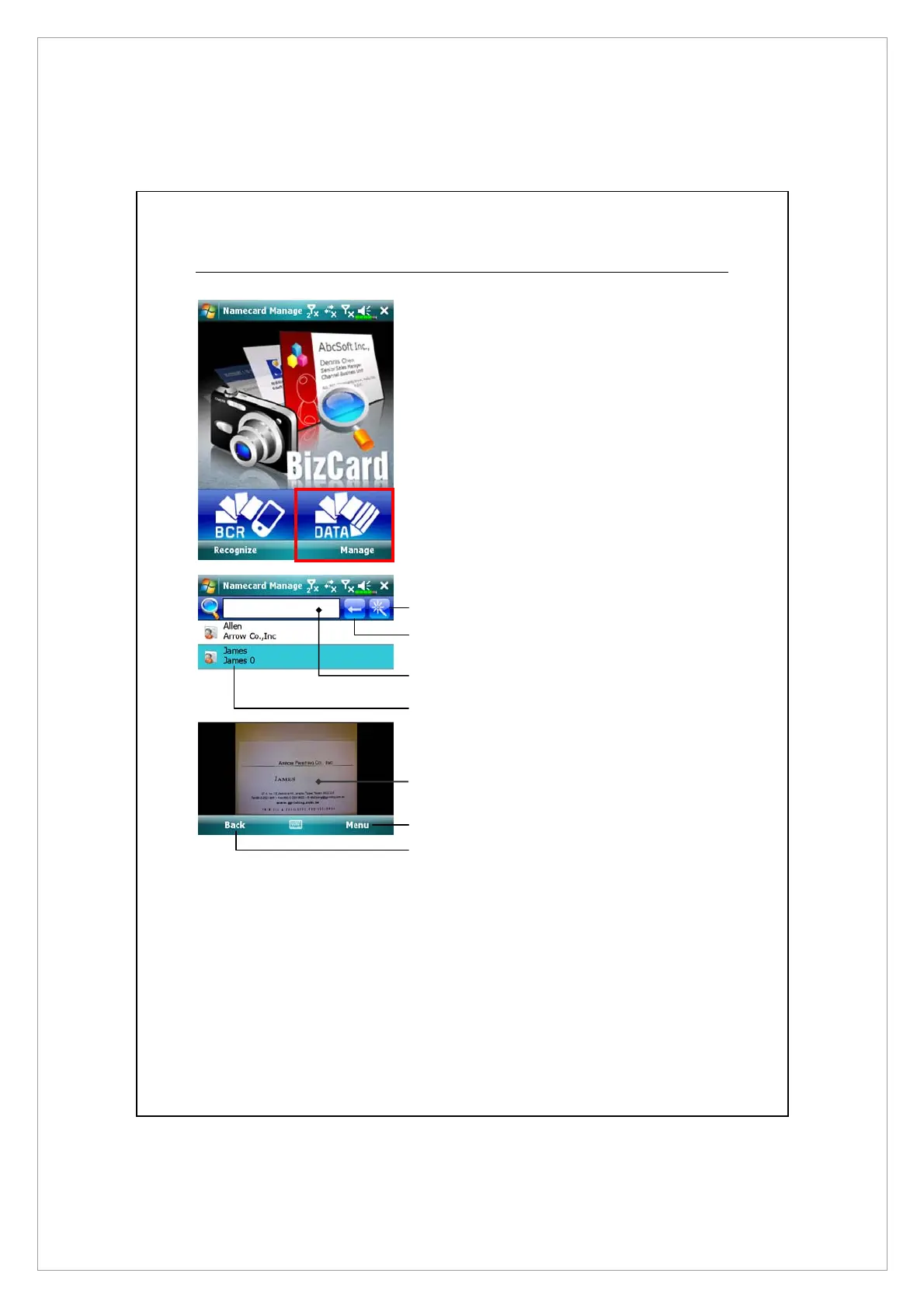
1. Tap Manage.
2. Main screen for name card
management
Only recognized name cards will
be shown here.
X
Enter the quick search page. Tap
a letter and the results for name
cards created in Namecard
Manager will be shown.
Y
Delete the entered text to the
left.
Z
Search criteria for name card. All
matching name cards for “Name,
Work, or Tel” will be shown on
the screen. To search for all name
cards, please leave the field
blank.
X
Y
Z
[
^
\
s



 To Next Page