12-12
Find Available Memory
Under certain circumstances such as insufficient memory, the Pocket PC cannot
allocate memory automatically. Try to solve this problem through the following
methods:
Tap
> Programs > Search.
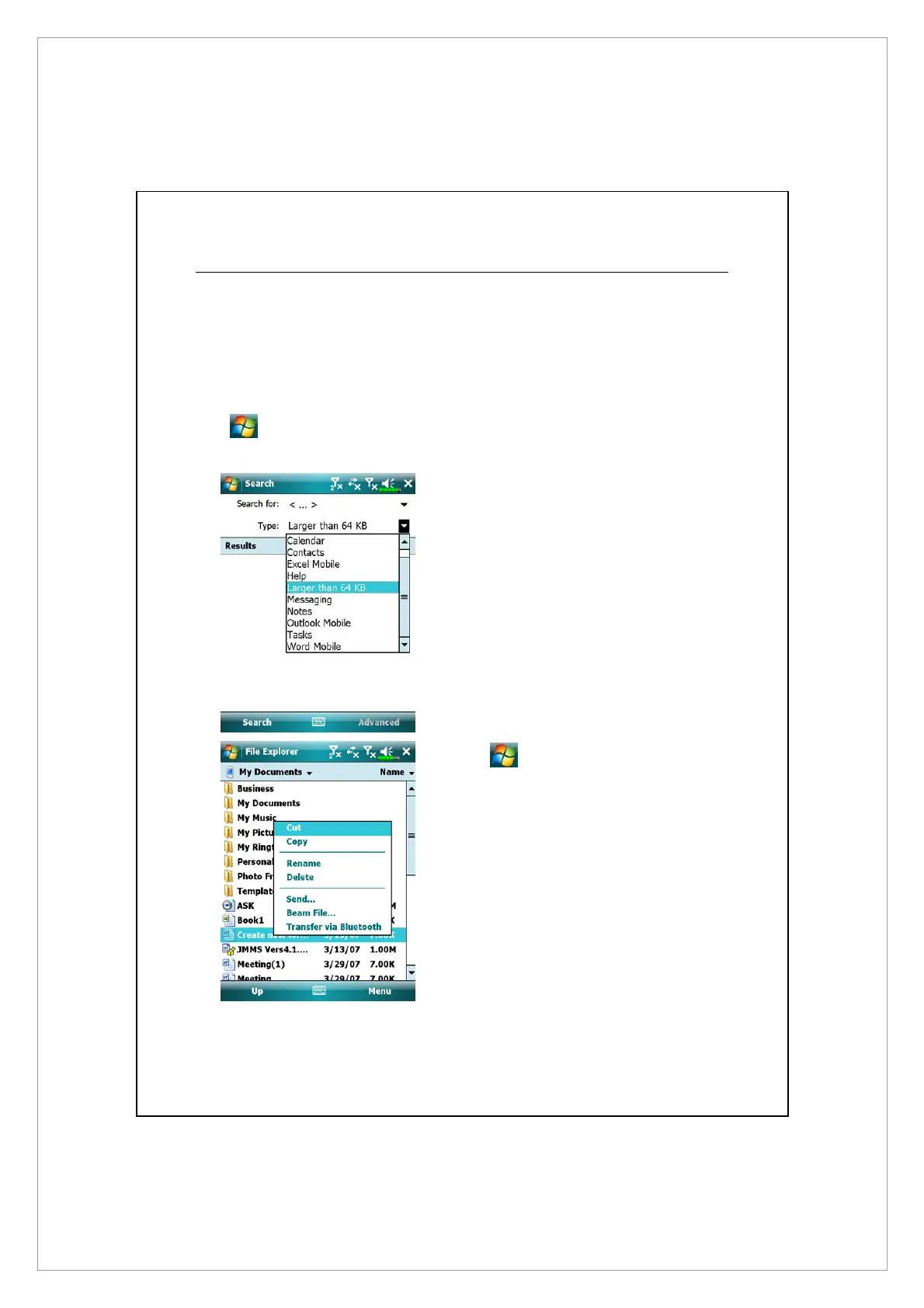
1. To find files occupying larger
amounts of memory, select
“Larger than 64 KB” for type and
tap Search.
2. Then use File Explorer.
1. Tap
> Programs > File
Explorer. Use File Explorer to
move the files you want to keep
to external storage cards. Tap and
hold the items to be moved, then
tap Cut or Copy on the pop-up
menu. Move to the storage card
and then tap Paste.
2. Use File Explorer to delete files
that you no longer need.



 To Next Page