2-30
Draw on the Screen
You can draw on the screen in the same way that you write on the screen. The
difference between writing and drawing on the screen is how you select items
and how they can be edited. For example, selected drawings can be resized,
while writing cannot.
Create a Drawing
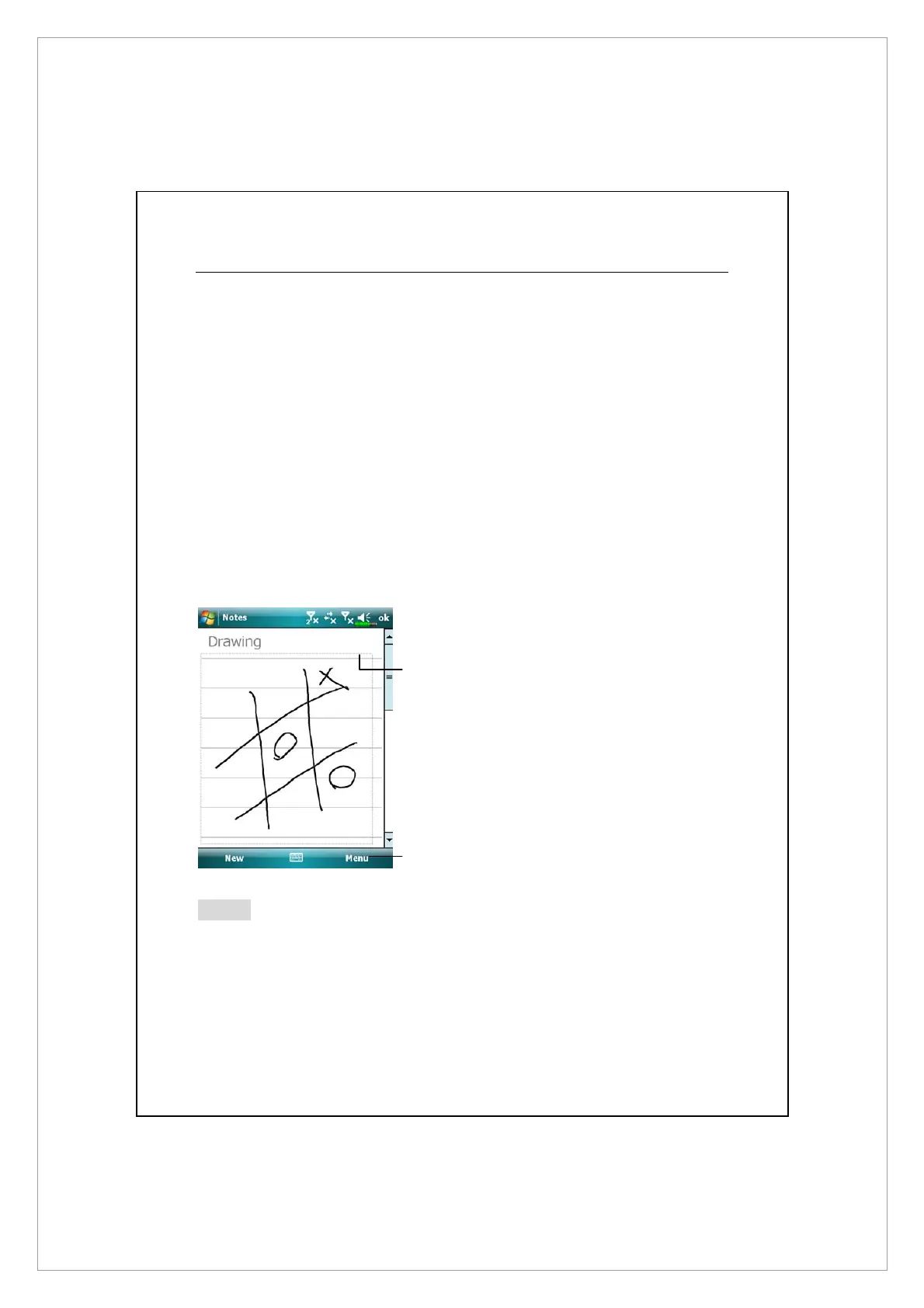
Cross three ruled lines on your first stroke. A drawing box appears. Subsequent
strokes in or touching the drawing box become part of the drawing. Drawings
that do not cross three ruled lines will be treated as writing.
n
The drawing box indicates the
boundaries of the drawing.
o
Tap Menu and then check Draw.
Note
You may want to change the zoom level so that you can more easily work on or
view your drawing. Tap Menu, Zoom and then a zoom level.
n
o



 To Next Page