6-4
Installing and Using ActiveSync
Important Installation Notice
Before you install ActiveSync, make sure that the USB cable on the Pocket PC is
not connected to the personal computer. Connect the USB cable only after
ActiveSync is installed.
1. Installing ActiveSync: You could use the Getting Started CD to install
Microsoft ActiveSync version 4.5 or above on the personal computer.
ActiveSync is already installed on your Pocket PC.
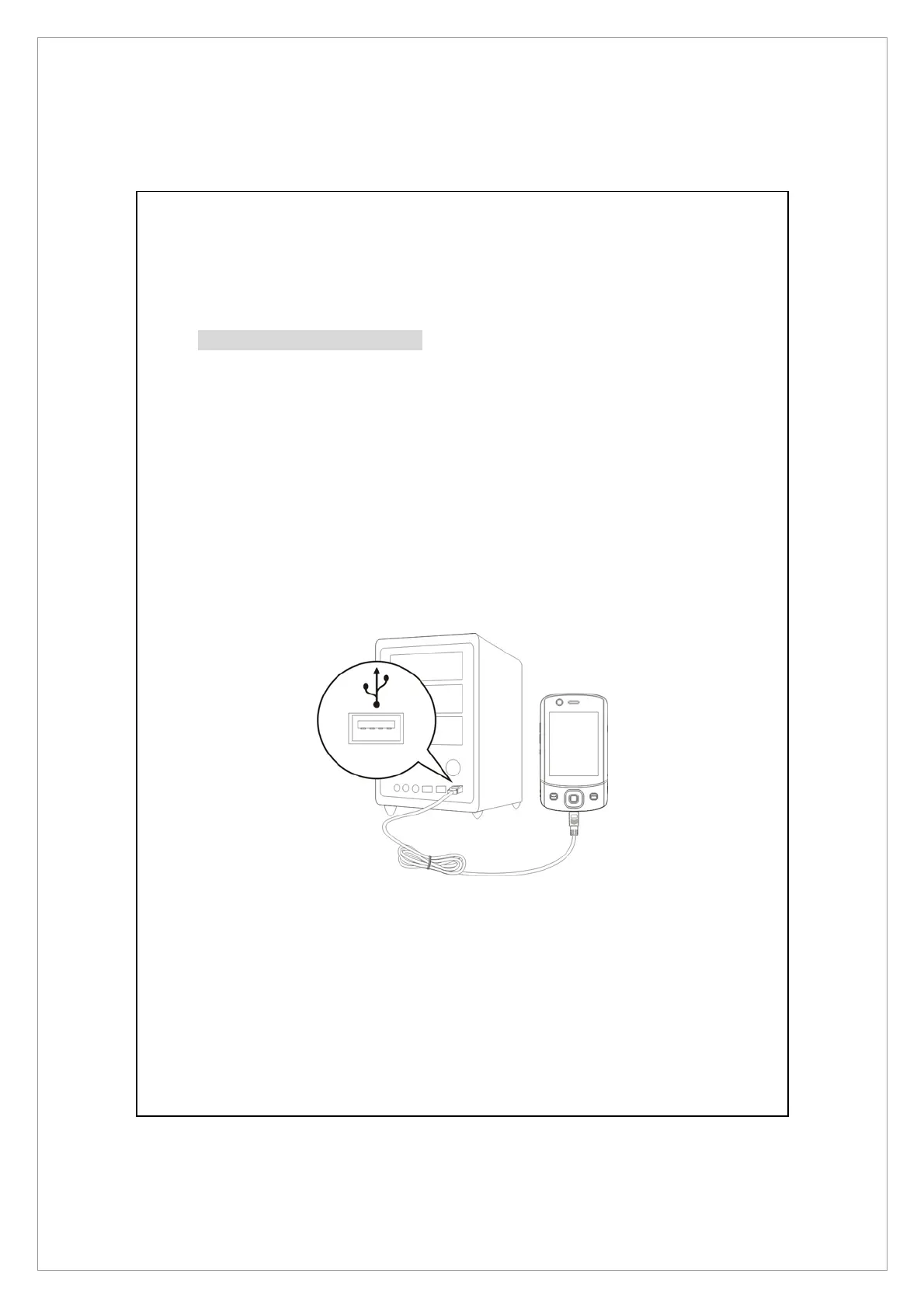
2. Hardware installation: The USB cable is a plug-and-play device. Use the USB
cable to connect your Pocket PC to your personal computer.
USB Port



 To Next Page