9-8
Creating an MMS Message
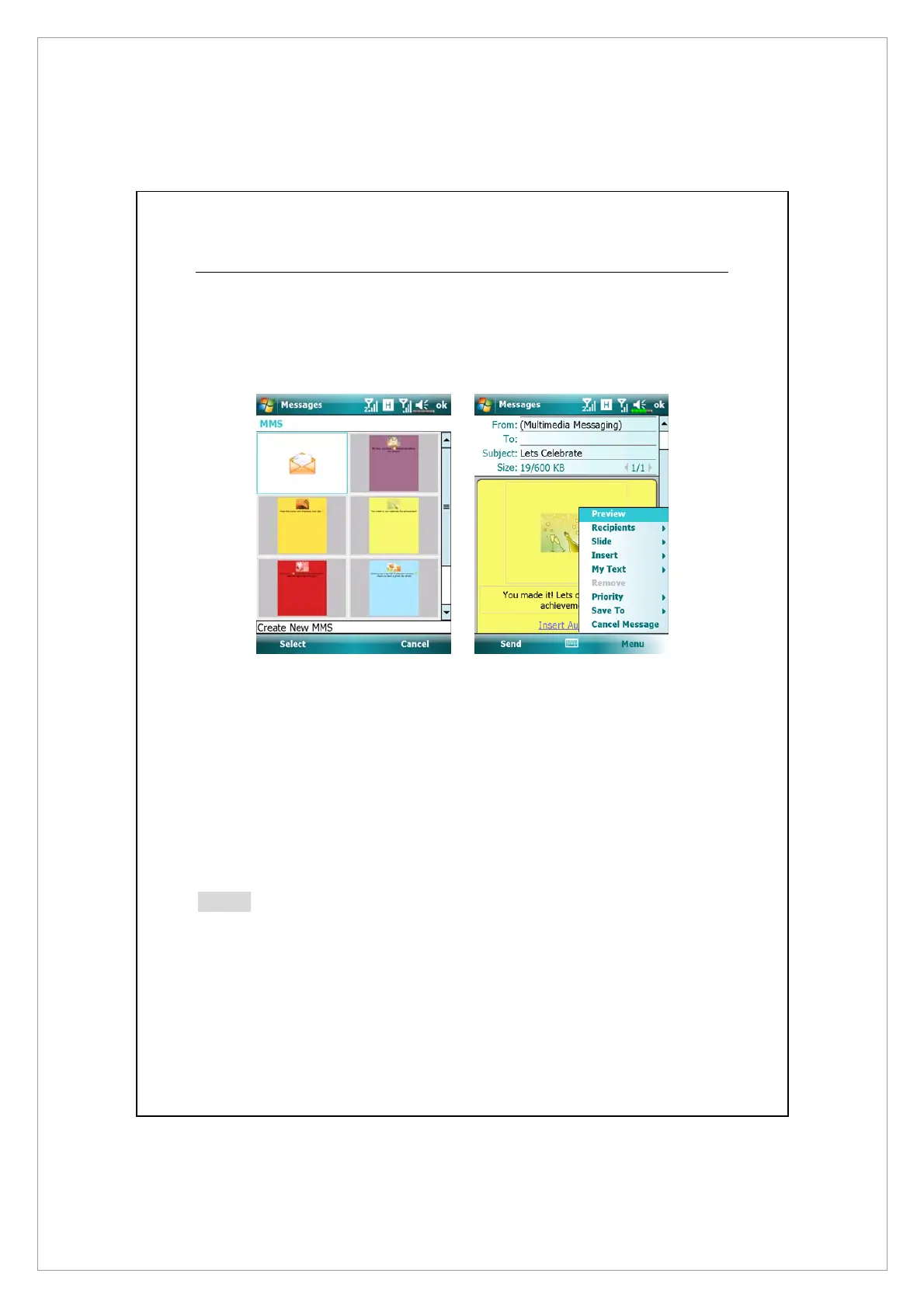
On Messaging screen, tap Messages > Menu > New > Multimedia Message
Select an MMS template to compose a new MMS message. Or tap the envelop
icon to open your own blank message.
On an MMS composing screen, you may tap:
z
Bcc / Cc / To field to add recipients.
z
Subject field to enter the message title.
z
Menu > Insert to insert a file.
z
Menu > Slides to edit the slide content and settings.
z
Menu > Preview to preview your MMS message.
z
Send to send out this MMS message.
Note
z
You may also send an MMS message from Camera, Album, Pictures &
Videos, File Explorer and Notes.
z
SIM2 slot allows only the SMS service provided by the SIM card you install
in it; if you want to send an MMS message or E-mail vi
a a certain
number, please activate the SIM of that number in SIM1 slot.



 To Next Page