2-19
Communication Manager
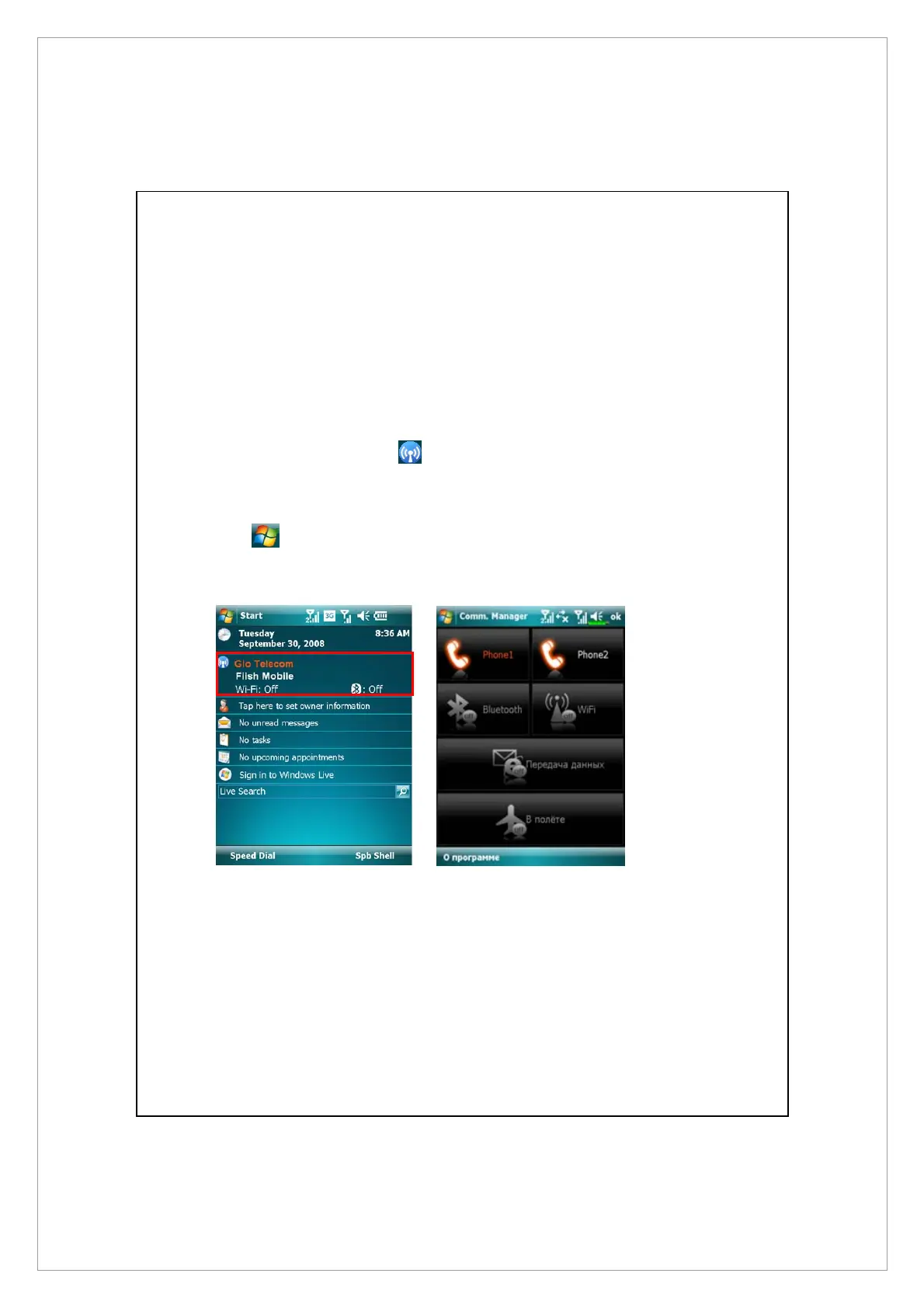
Communication Manager will assist you to manage the wireless connections of
the Pocket PC including Phone1, Phone2, Bluetooth, WiFi and data connection.
You can access Communication Manager by these methods:
z
On the Today screen, tap.
z
On the Today screen, tap the connection status icons on navigation bar,
when the message window appears, tap Comm. Manager.
z
Tap > Programs > Comm. Manager



 To Next Page