4-20
SMS Sender
Tap
> Programs > Phone > SMS Sender
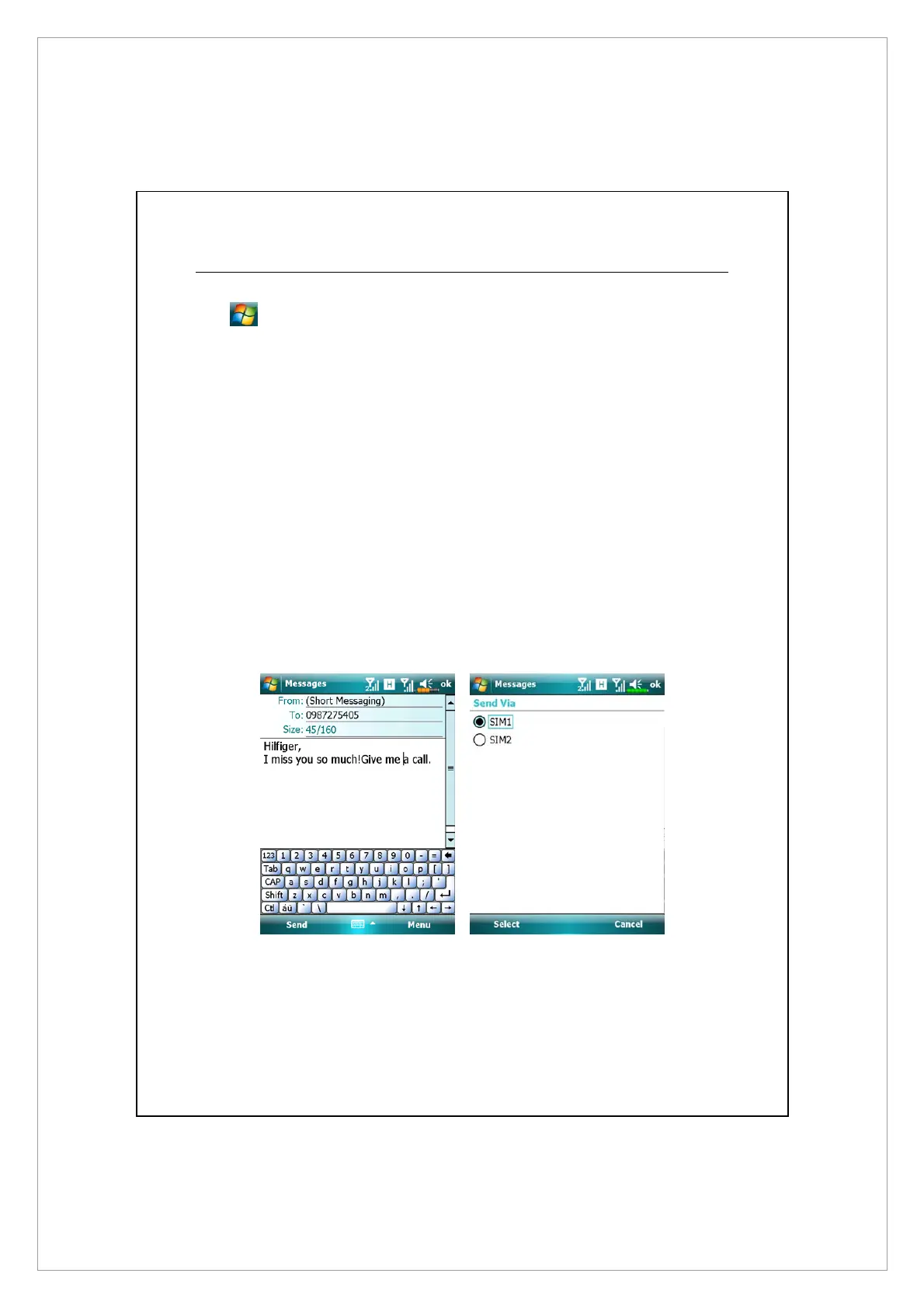
SMS Sender is a shortcut for you to directly start editing a new text message and
send it out.
To send a text message, on message composing screen:
1. Enter the recipient’s number in To field, or tap Menu > Add Recipient to
select a person from Contacts.
2. Enter the content of your message in text field.
3. Tap Send
4. On Send via screen, choose the SIM number that you’ll use to send this
message.



 To Next Page