10-12
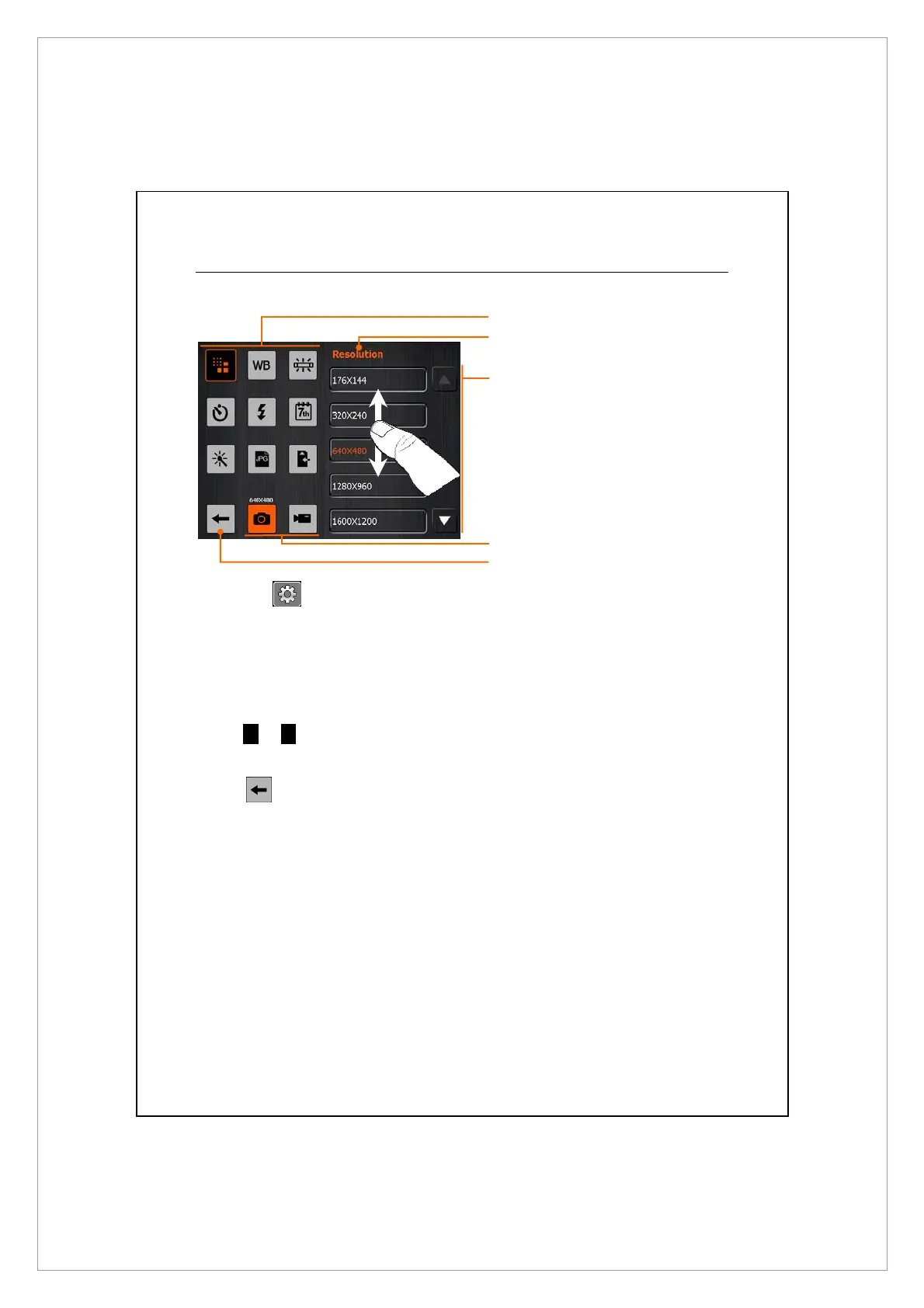
Advanced Setup for Camera or Camcorder
Ã
Tap the onscreen to open the advanced setup screen for the
Camera.
n
Tap to show the corresponding options for the function.
o
Options. Flick to scroll l up or down to see the options if the number of
items exceeds a screen displaying.
p
Tap
S
or
T
to switch to the previous page or next page.
[
Tap to select camera or camcorder setup screen.
\
Tap to save the settings.
n
o
[
\
p



 To Next Page