Multimedia 10-13
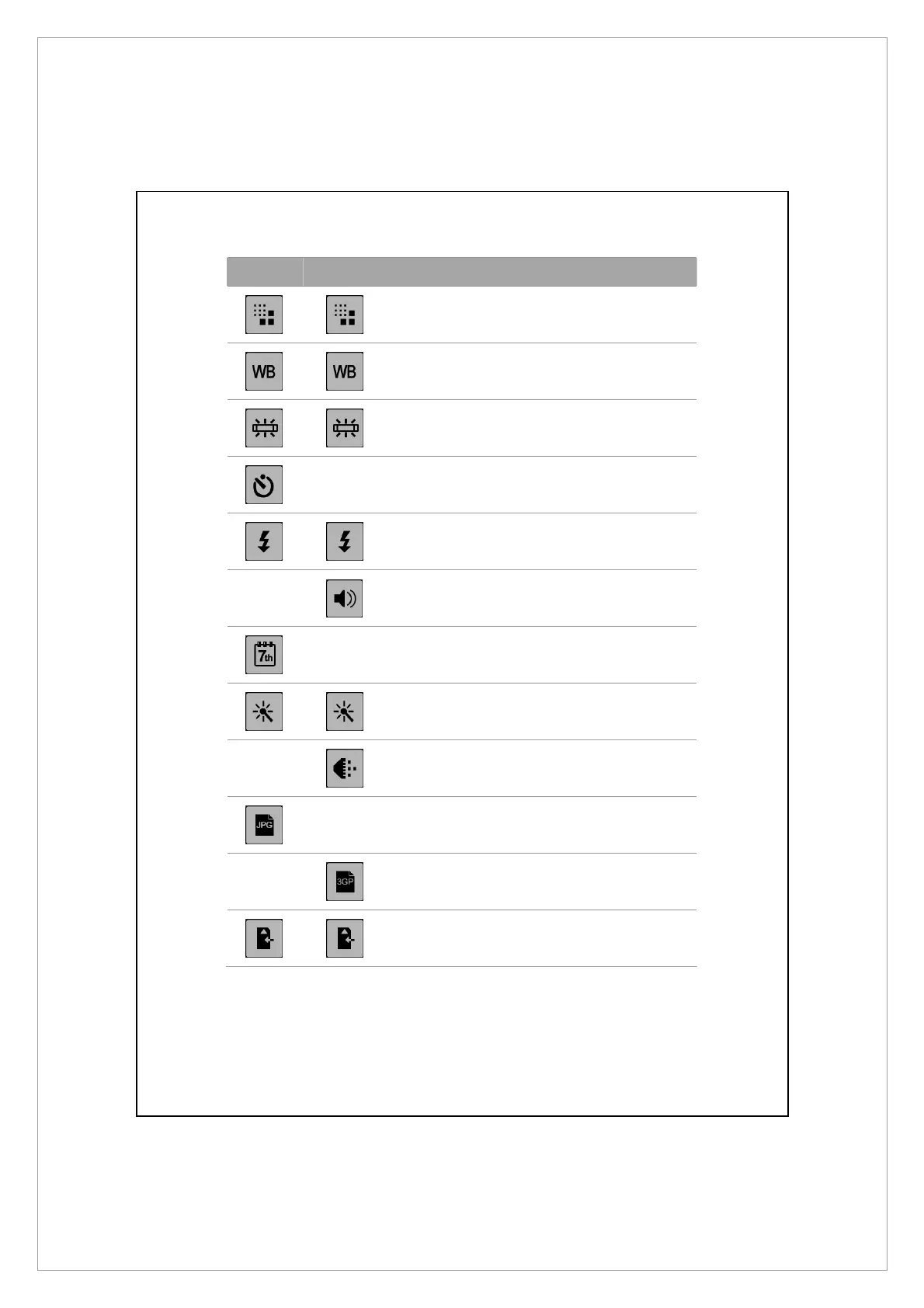
Camera Camcorder Descriptions
Select the resolution, higher resolutions lead
to larger files.
Select the environment lighting (white
balance).
Adjust for fluorescent light frequency.
--
Activate “self-timer;” a specific length of
time can be set for “self-timer.”
Activate or disable the flash or spotlight.
--
Activate or disable the audio.
--
Display or hide the date.
Select effects.
--
Select quality.
--
Select file format.
--
Select file format; videos in the 3GP format
can be played back on the PC.
Select storage location.



 To Next Page