Using the Phone 4-13
Video Call
Video Call enables you to see a real-time, two-way video of the other party
during a call.
To establish an instant video call with your device, make sure:
z
You are using a 3G SIM card in the coverage of network.
z
The other party is equipped with a compatible device and service system.
Making a video call
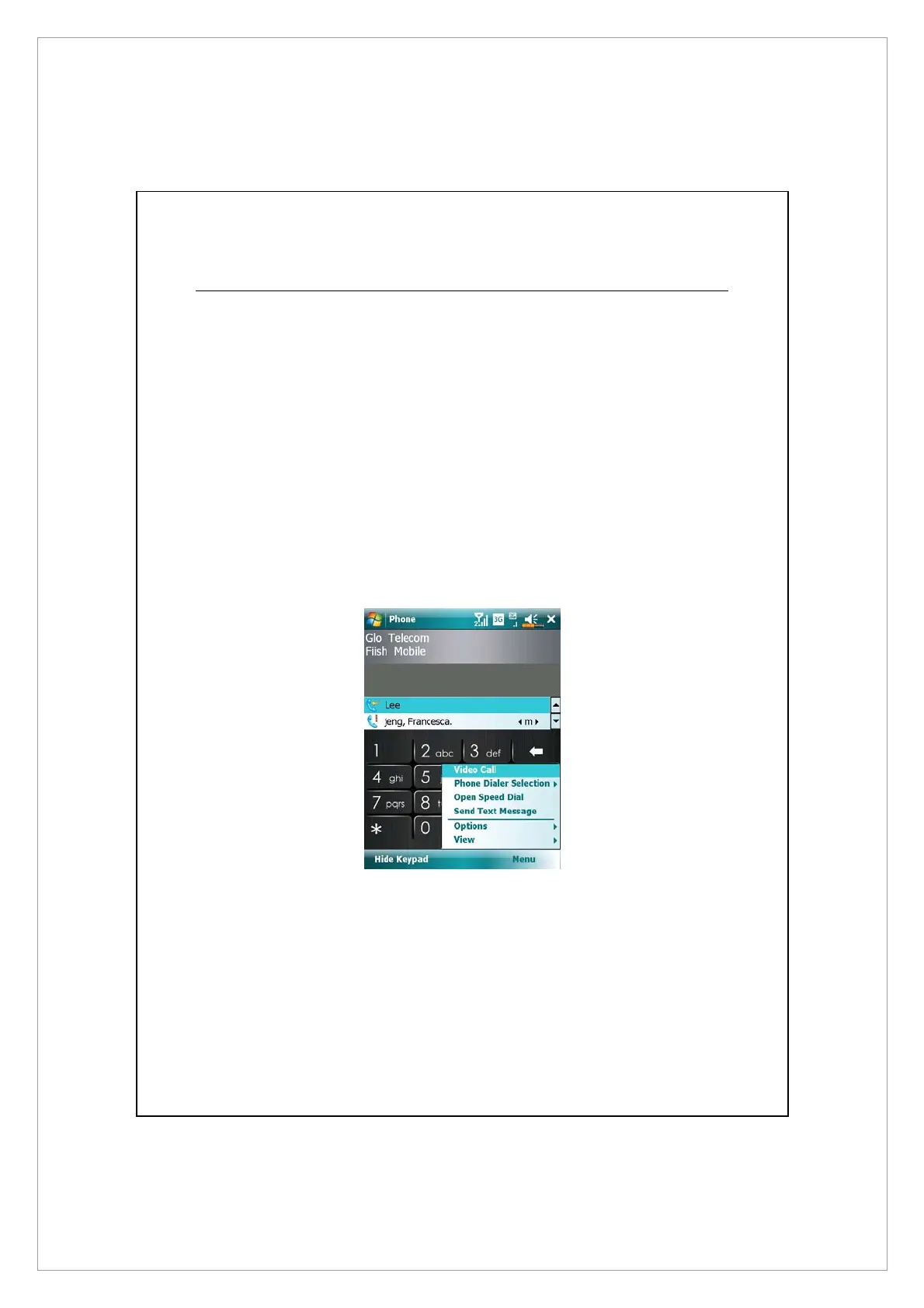
1. On Phone screen, Select your contact and tap Menu > Video Call.
2. After dialing out, you will have to wait for a few seconds until video images
of both parties are shown on your screen. If this video call fails to get
connected, a window will pop up asking to redial or make a voice call.
3. As the video call is set up successfully, you may access several options during
this call:



 To Next Page