2-12
Spb Mobile Shell
Spb Mobile Shell has easy to use functions and tools to keep your Pocket PC
organized for quick access. The program consists of the main window panels
(Now Screen, Spb Menu, Speed Dial), Quick panel (smart taskbar gestures), Spb
Contacts (smart contact search), Task Manager, color based themes, and
improved usability for device locking.
Starting Spb Mobile Shell
z
On the Today screen, tap Spb Shell to quick link to Spb Mobile Shell.
z
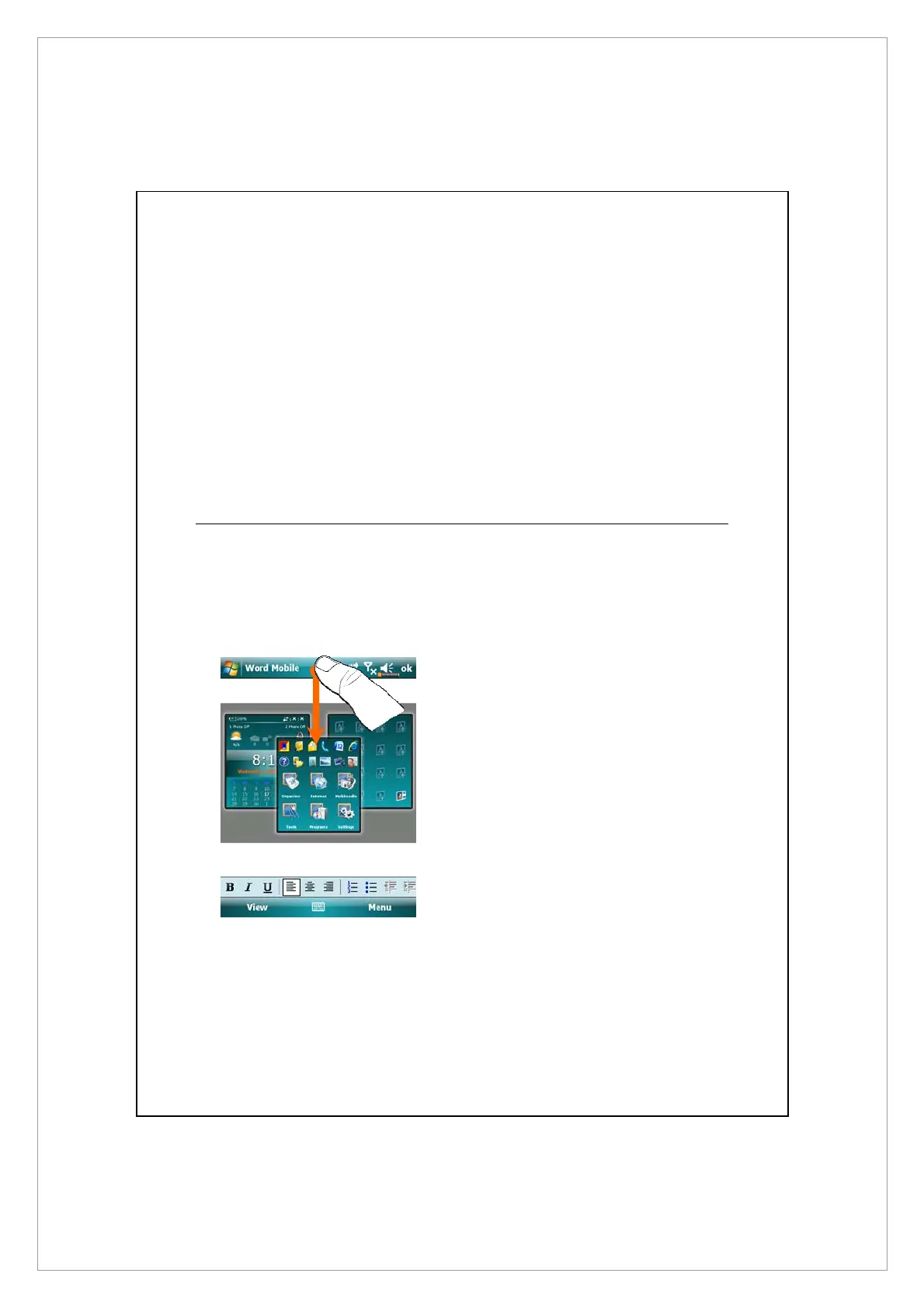
Taskbar Smart Gestures: Tap-and-hold in the middle of the taskbar to
launch Spb Mobile Shell.
1. The taskbar smart gestures allow
you to launch Spb Mobile Shell
from any application you are in.
n
Tap-and-hold in the middle of the
taskbar while moving your finger
in a downwards gesture.
o
Select one of the panels and
release when the gray popups
window appears.
p
If you release your finger outside
the gray area then the highlight
disappears and the panels
launching is canceled.



 To Next Page