1-10
Charging Power and Power Supply
n
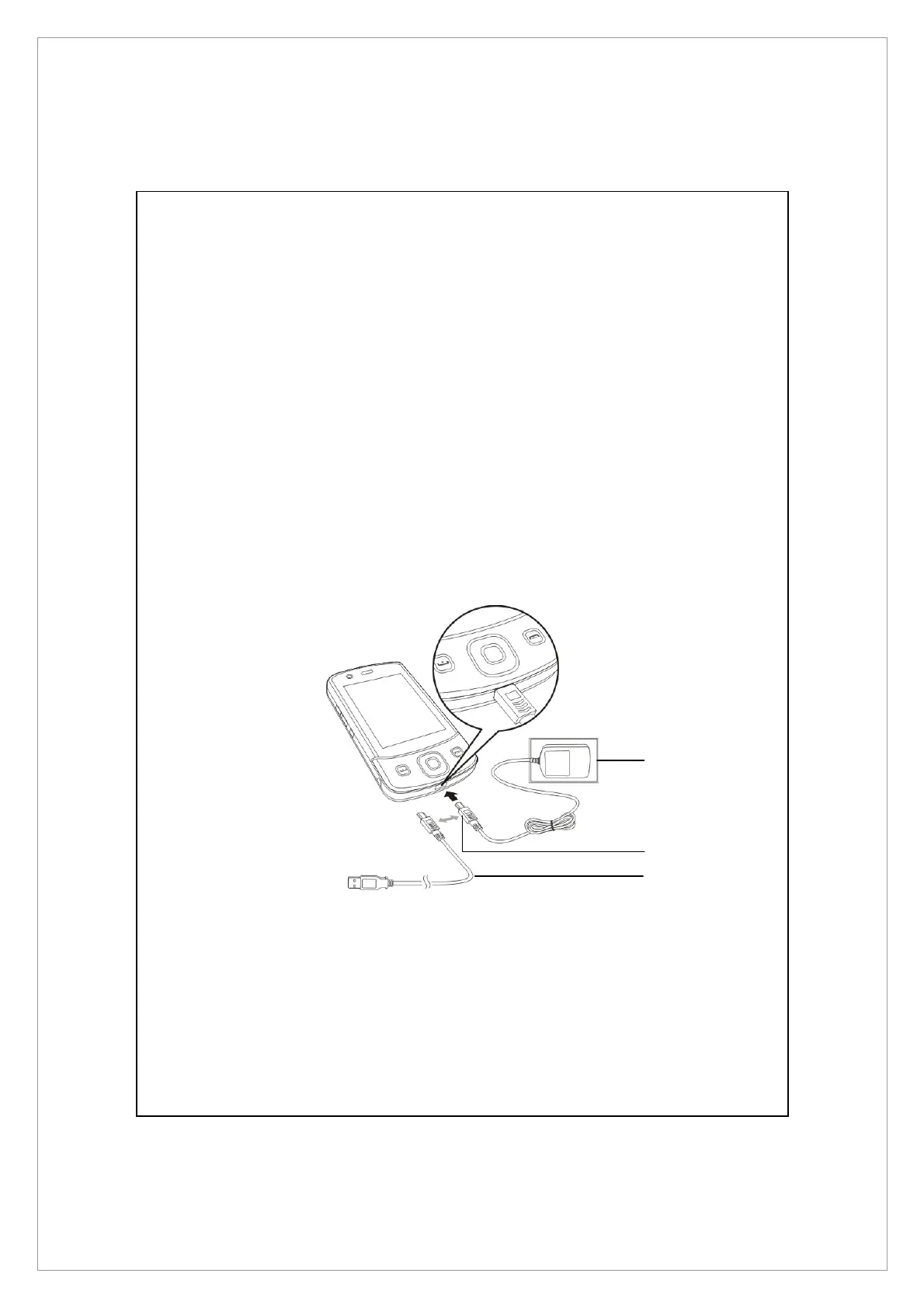
Connect the AC adapter plug to any household power outlet.
o
Connect the other plug from the AC adapter to the USB port. The Pocket PC
starts to charge automatically.
p
If you need to connect Pocket PC and desktop computer, you could connect
the USB cable to the USB port. And then connect the other end of the USB
cable to the USB port on the desktop computer. Your Pocket PC will also
charge at the same time.
But don’t remove the battery while charging. Once you remove the battery,
Pocket PC will not work.
n
p
o



 To Next Page