Multimedia 10-17
Á
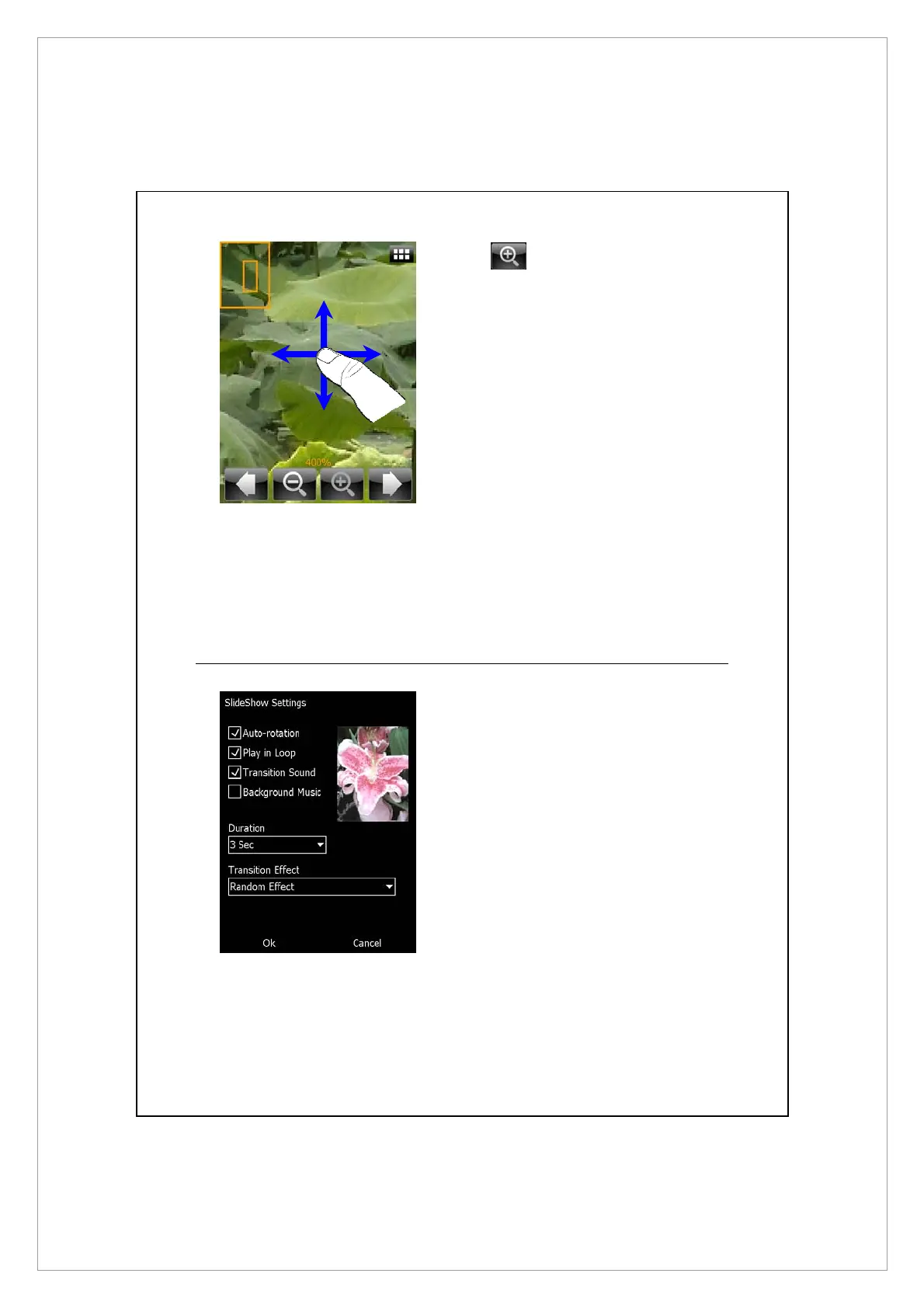
Tap to zoom in a picture.
n
In the zoom-in mode, the smaller
frame shown left is part of the
picture what you see on the
screen.
o
Flick to scroll left, right, up or
down to view the part of picture
exceeding the screen.
Z
Tap outside the pop-up menu to
abort it.
[
Browse the previous or next
picture.
\
Tap to zoom in or out.
Slideshow Settings
Tap Album > Menu > Slideshow
Settings.
[
\
[
Z
X
Y



 To Next Page