Connections 7-13
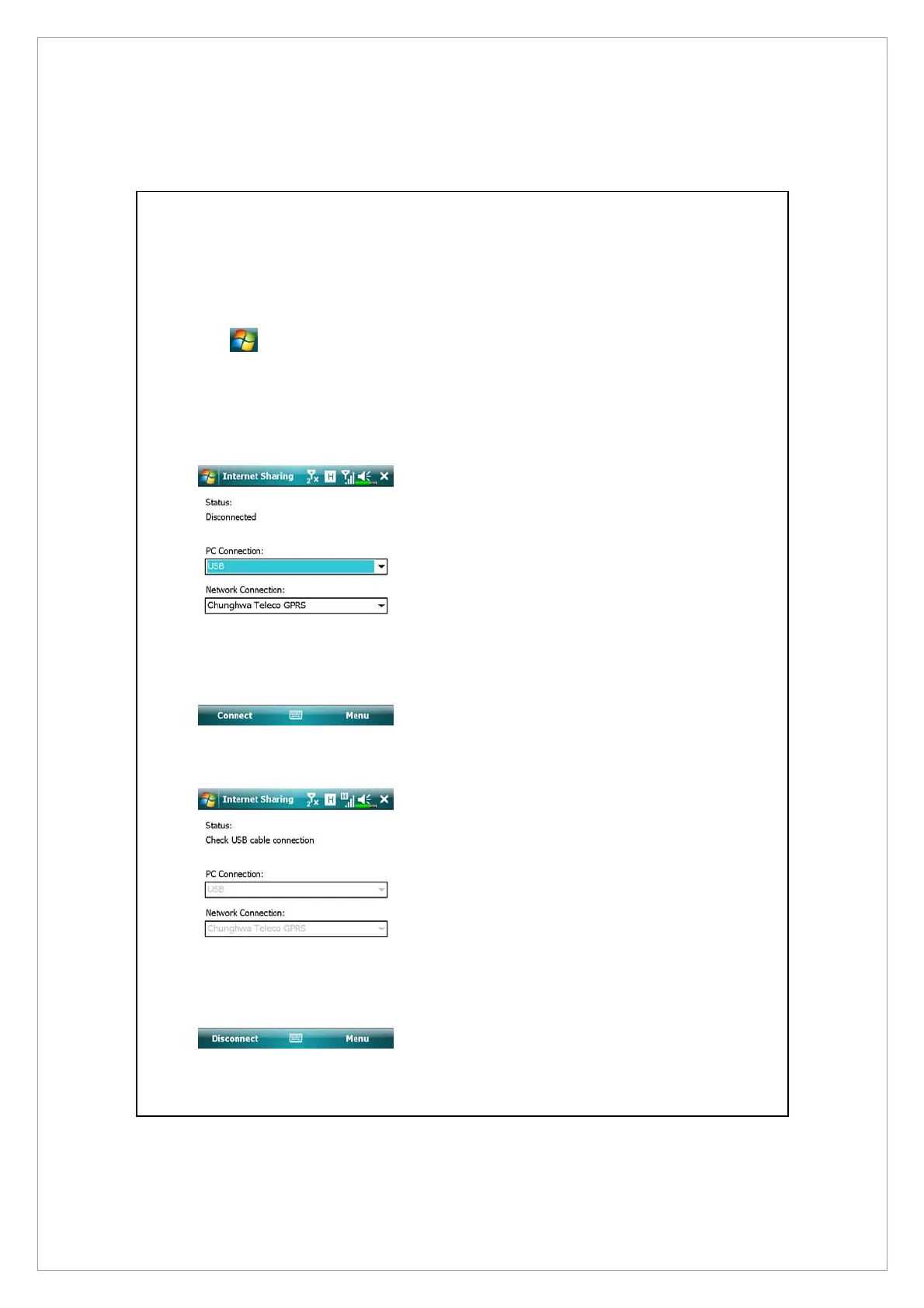
Internet Sharing
Tap
> Programs > Internet Sharing.
This function provides a simulated modem function for the Pocket PC to
connect to the PC. The built-in Bluetooth paring or USB port can be connected
with the PC and provide Internet access on the PC.
1. The USB connection is used as an
example.
2. Complete the connection setup
between the Pocket PC and PC.
The network connection and
configuration can be attained
from your telecom service
provider.
3. Tap Connect and wait for the
system to complete the
connection.
4. This screen is only for reference
as the actual connection method
will depend on the Bluetooth
paring or USB port; the
connection configurations can be
referenced from your telecom
service provider. The fees will
be decided by the service
provider.



 To Next Page