7-8
Using Bluetooth
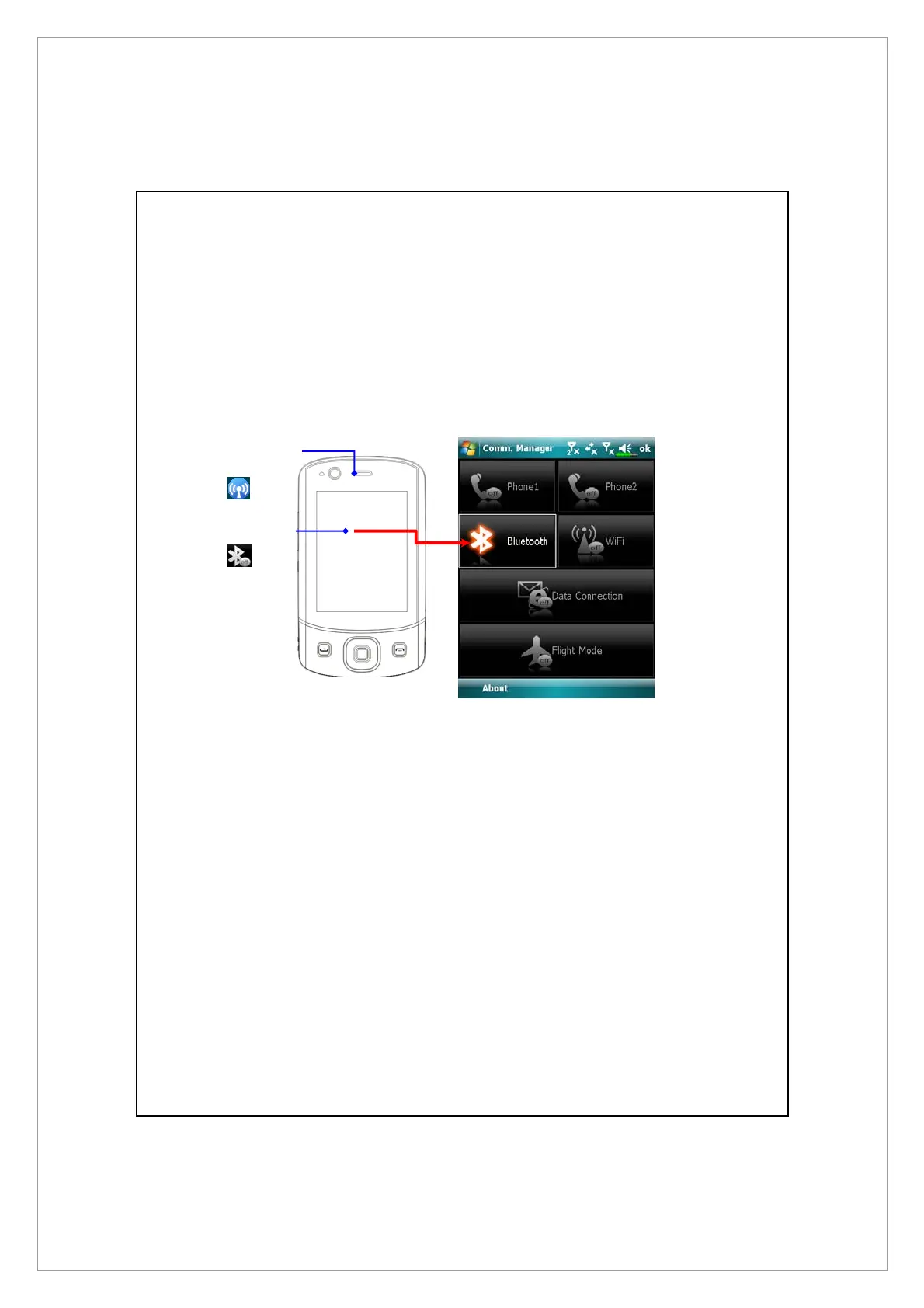
Bluetooth is a short-distance wireless communication technology with an
effective range under 10 meters (30 feet). When the Bluetooth power is turned
on, the indicator will blink blue.
Bluetooth capable devices such as the PC, Pocket PC, Bluetooth headset etc. can
be connected to this product for the convenience of data sharing.
1.Tap to
launch
Communication
Manager.
2.Tap
to
enable Bluetooth.
Bluetooth LED
indicator (Blue



 To Next Page