9-12
E-mail Server Setup
Refer to this section if you are preparing for single-machine use and not
combining office and home E-mails. If you already have an E-mail account from
your ISP or company network, you can use Messaging to send and receive mails
and messages. To establish a new Messaging E-mail server on your Pocket PC,
refer to the following sections.
1. Obtain the following information from your ISP or company’s network
administrator for convenience in setting up the E-mail service.
n
E-mail address, account name and password
o
POP3 or IMAP4 server name for internal mail
p
SMTP server name for sending mail
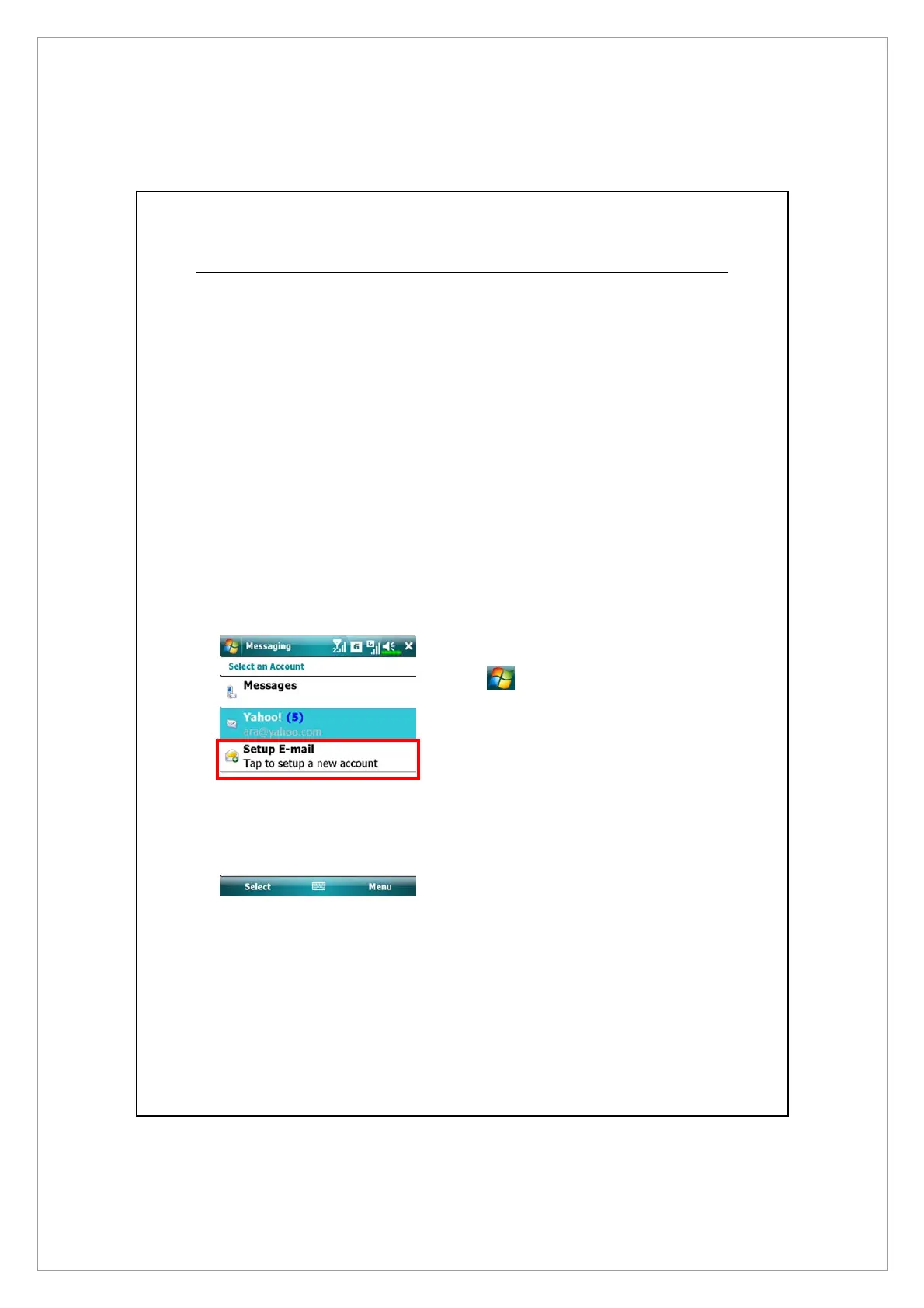
2. Setup a new E-mail account:
Tap > Messaging > Setup
E-mail.



 To Next Page