Emails and Messages 9-21
Chatting with Contacts
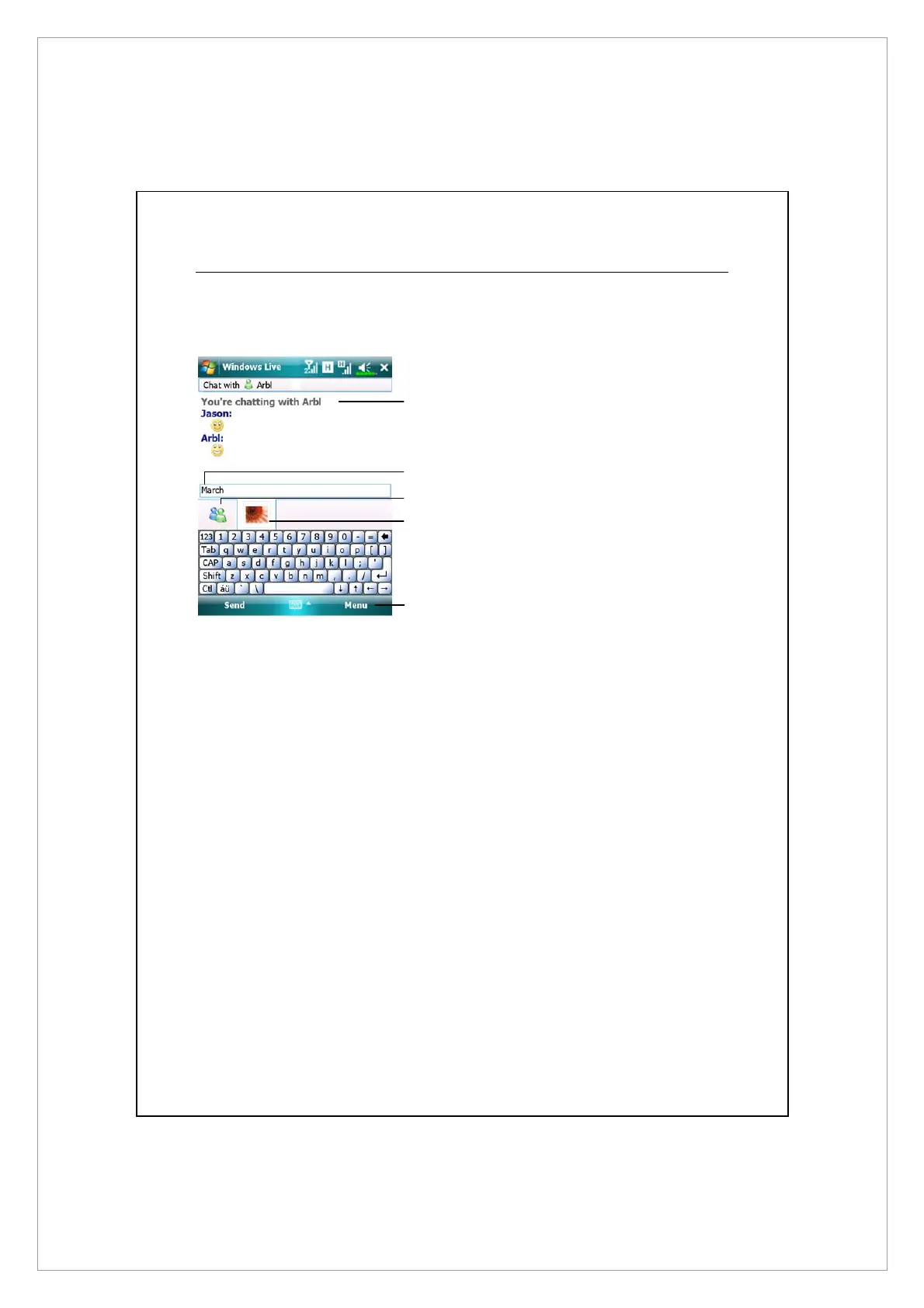
Tap a contact name to open a chat window.
n
View full chat.
o
Enter your message in the text entry area,
and tap Send.
p
Return to the contacts list, and select a
contact to chat with.
q
The contact you are chatting with.
\
Provides the relevant menu.
For example, to invite another contact to
a multi-user chat, select Options and then
Add participant, and tap the contact you
want to invite.
o
p
q
n
\



 To Next Page