5-10
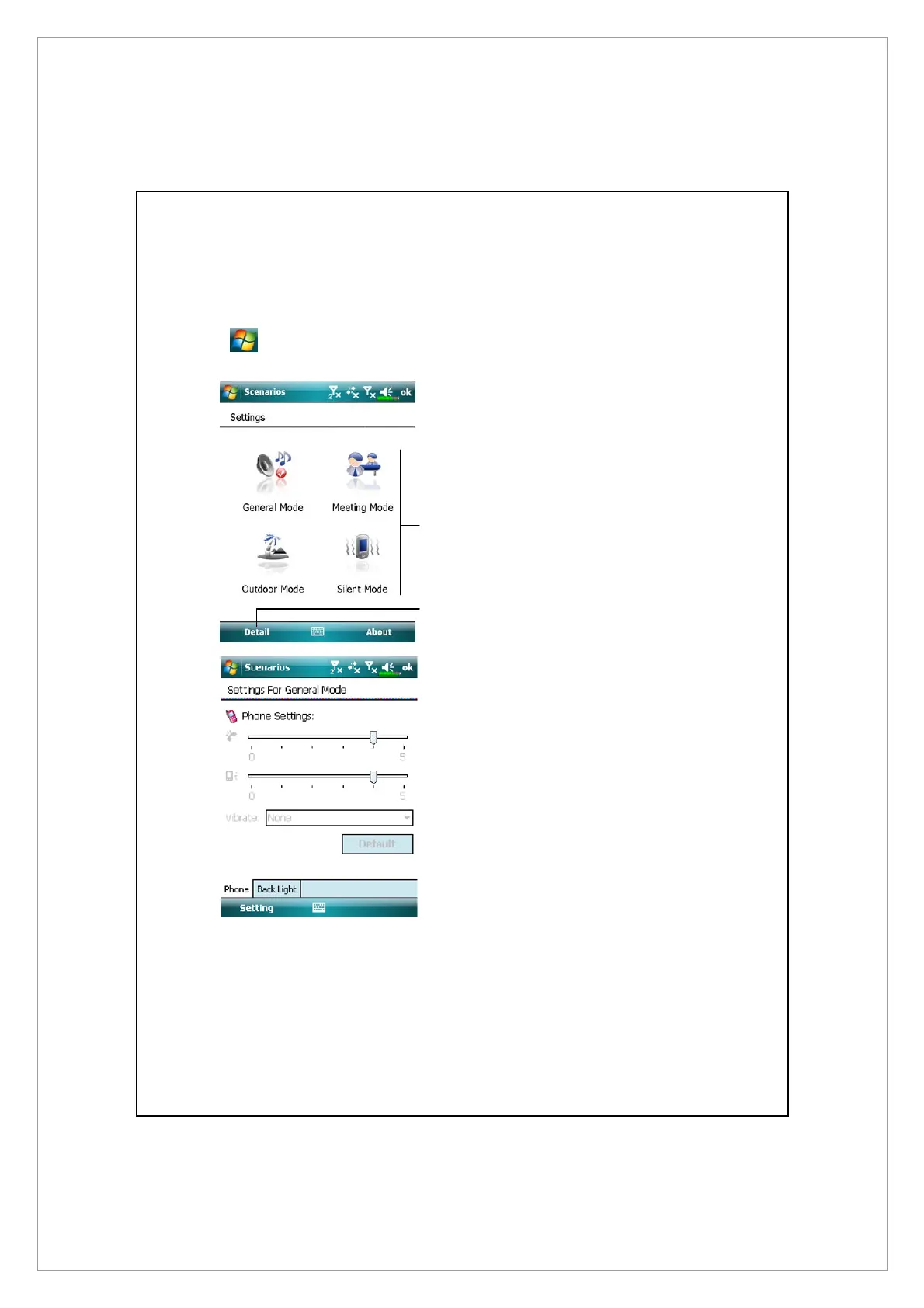
Scenarios
Tap
> Programs > Phone > Scenarios
n
Select an applicable mode.
o
Details button: Set the relevant
options for this mode, such as
volume, backlight, etc.
Á
Tap Details button to enter the
screen shown on the left. And
then tap Settings button to set
the relevant options for this
mode, such as volume, backlight,
etc.
n
o



 To Next Page