Customize Your Pocket PC 5-7
Microphone
Profile Microphone Cause
* Voice
Commander
voice control
Turn the volume down and
find the proper volume setting
for better recognition of
system.
Surrounding
interference recorded
when volume up.
Speech
recording
Turn the volume up. More distance from
the lecturer more
interference recorded.
* Used for the version built in “Voice Commander.”
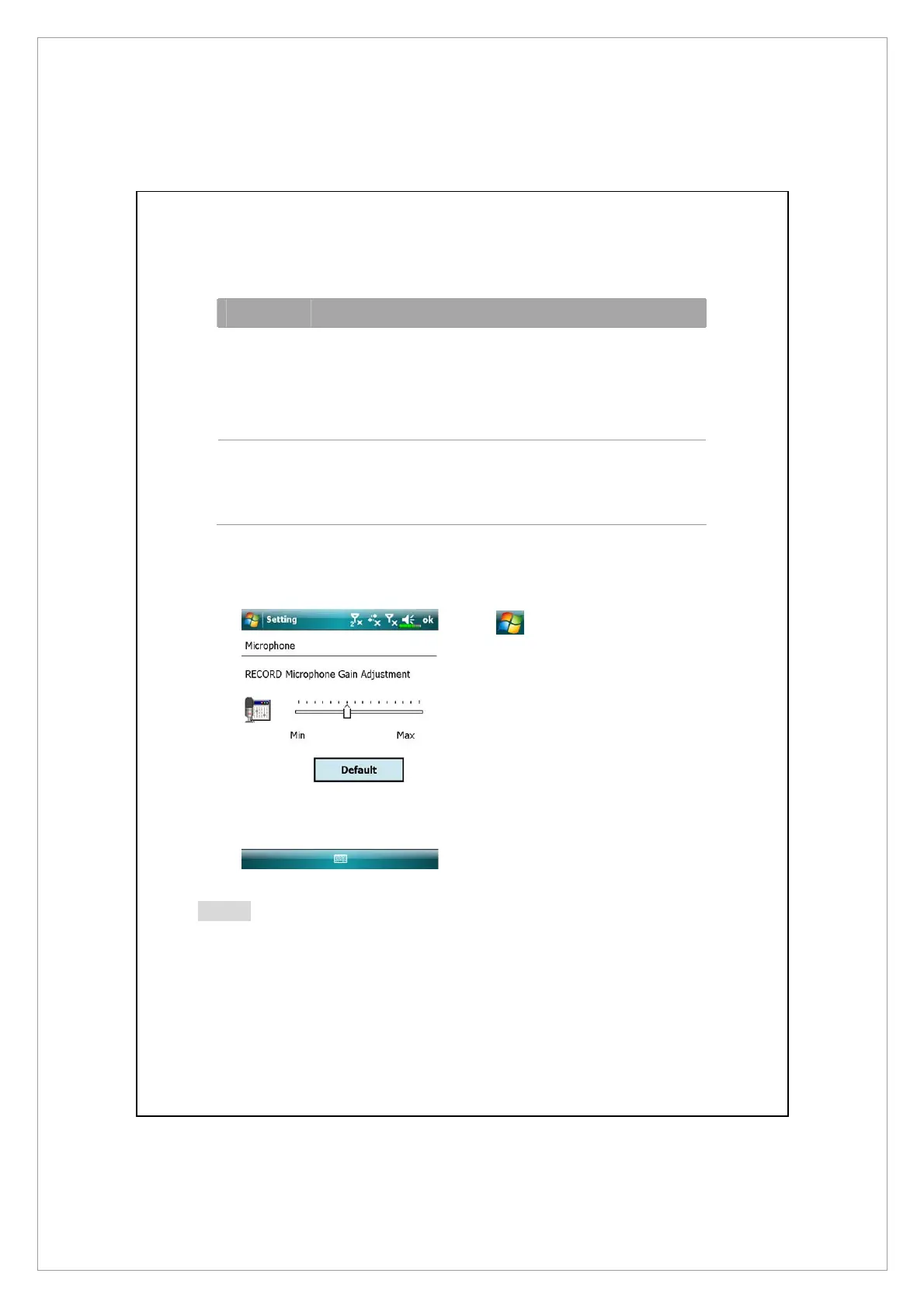
Tap
> Settings > System tab
> Microphone.
1. Use the slider to adjust volume of
the recording mic.
3. Default button: Restore to default
system settings.
Note
This document lists the functions, specifications, and illustrations for reference
only. The actual purchased product should be taken as the standard.



 To Next Page