Emails and Messages 9-13
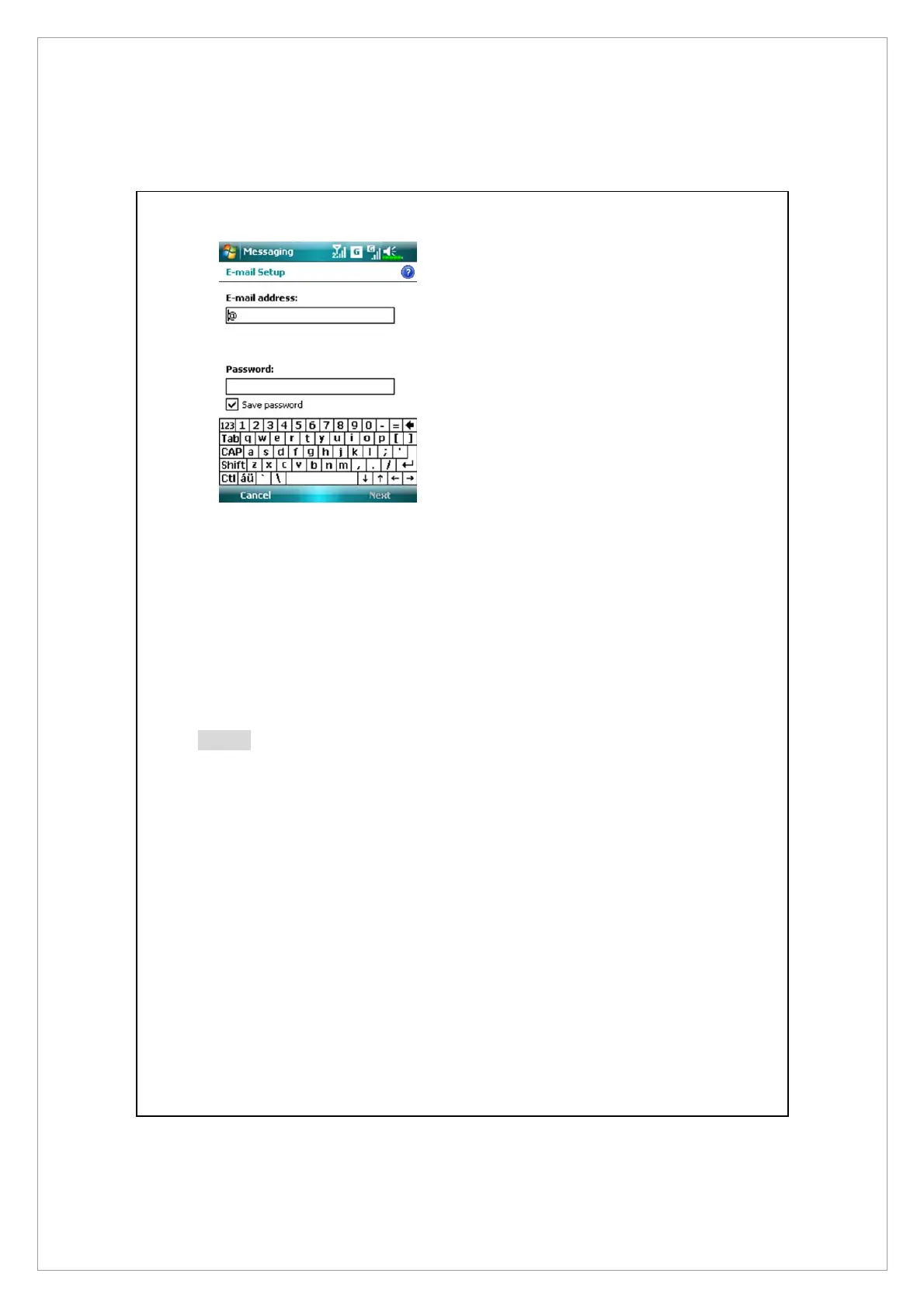
3. Follow the instructions on the
screens to setup the E-mail
account.
4. Refer to “Connecting to the Internet” section or “Using Wireless LAN”
section to connect the Pocket PC to the Internet and you can start sending
and receiving E-mails and SMS messages.
5. Connecting to the E-mail server:
n
Tap Menu > Go To, and then check the new E-mails account you setup.
o
Tap Menu and then Send/Receive.
Note
Tap Menu > Tools > Options to change the E-mail account.



 To Next Page