Synchronization 6-5
3. Using ActiveSync
n
After installation is complete, the ActiveSync Setup Wizard helps you
customize your synchronization settings.
o
Once you use the USB cable to connect the two devices properly, the Set Up a
Partnership screen appears on the personal computer. Set it up according to
your requirements. The green icon
appears on the status bar of your
personal computer to indicate that it is Connected.
p
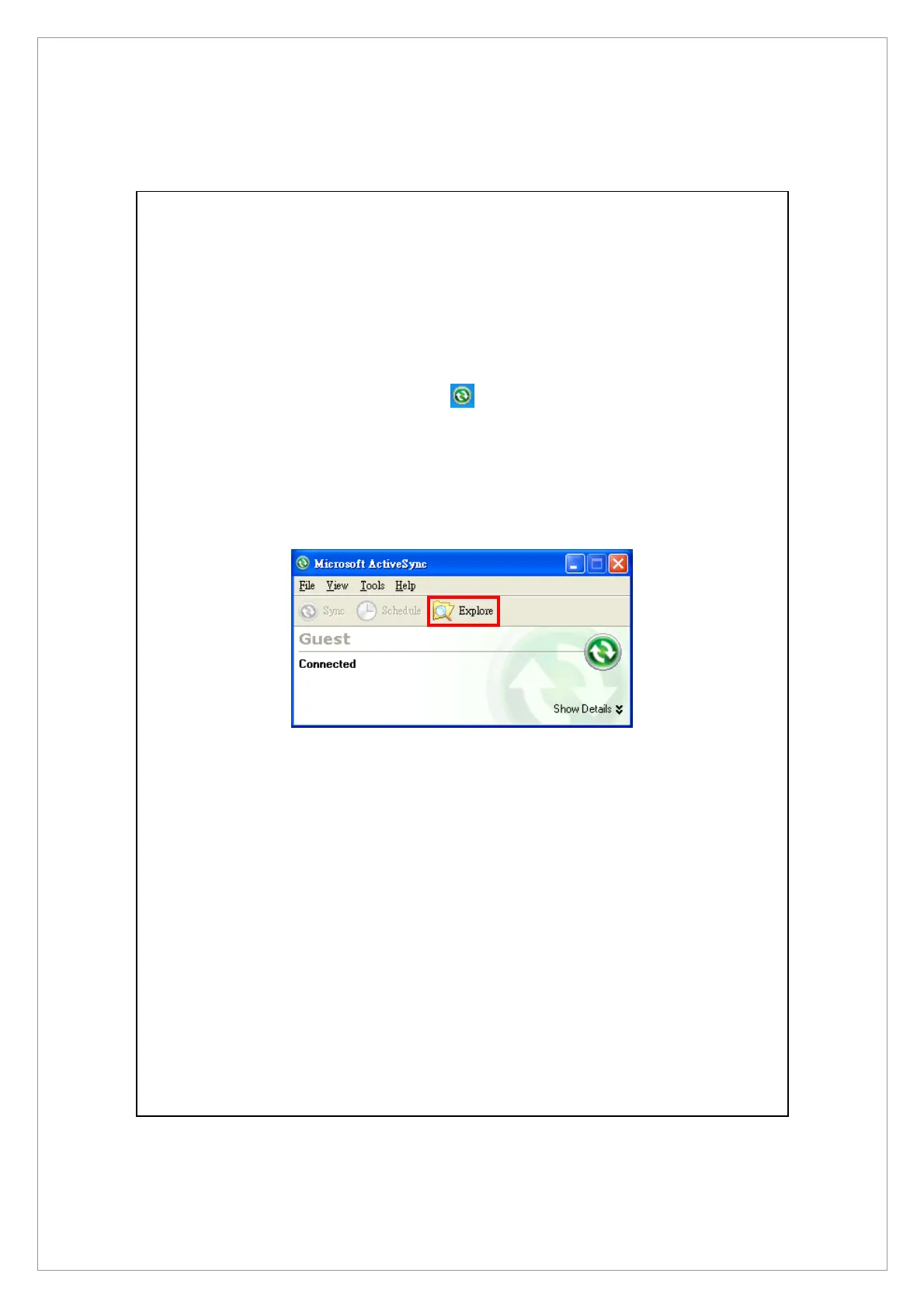
Click Explore on the Microsoft ActiveSync on the personal computer to access
files in the Pocket PC. Just like using a personal computer, manage the files in
the two devices.



 To Next Page