Maintaining the Pocket PC 12-13
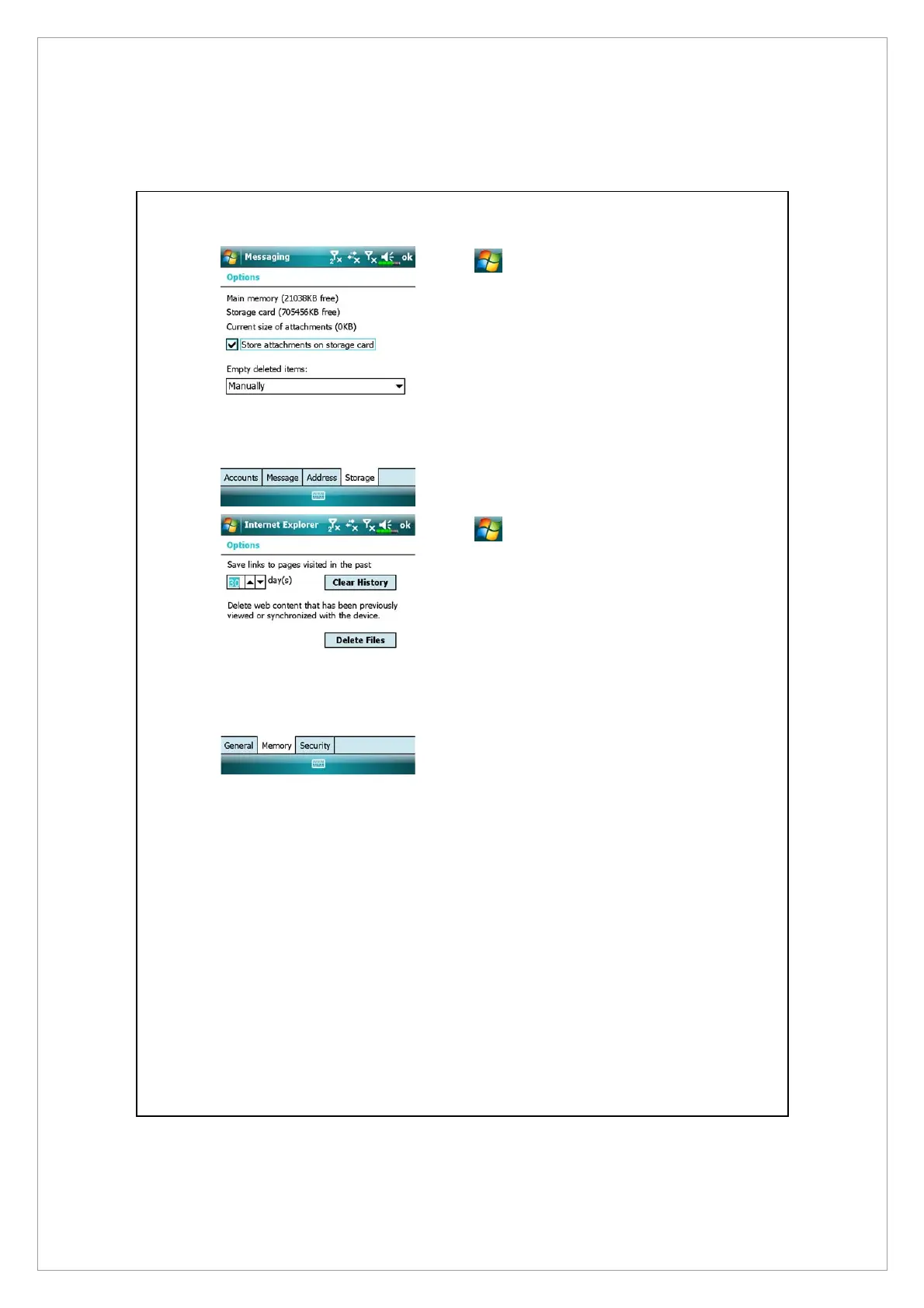
Tap
> Messaging > Menu >
Tools > Options > Storage tab.
Á
Check “Store attachments on
storage card” to save attached
files from E-mails automatically in
the storage card in future.
Tap
> Internet Explorer >
Menu > Tools > Options > Memory
tab
Á
Tap Clear History and Delete Files
to delete records of websites that
you have browsed.



 To Next Page