10-22
[
Name card index display area, select an entry to expand its contents.
\
Display area for the original name card.
]
Provides the relevant menu.
New: Create a new digital name card.
Import: Supported format includes BMP, JPG, and PNG. An existing
name card image file can be imported and then processed.
Edit: Modify the name card information.
Delete: Delete the selected name card.
^
Return to the previous page.
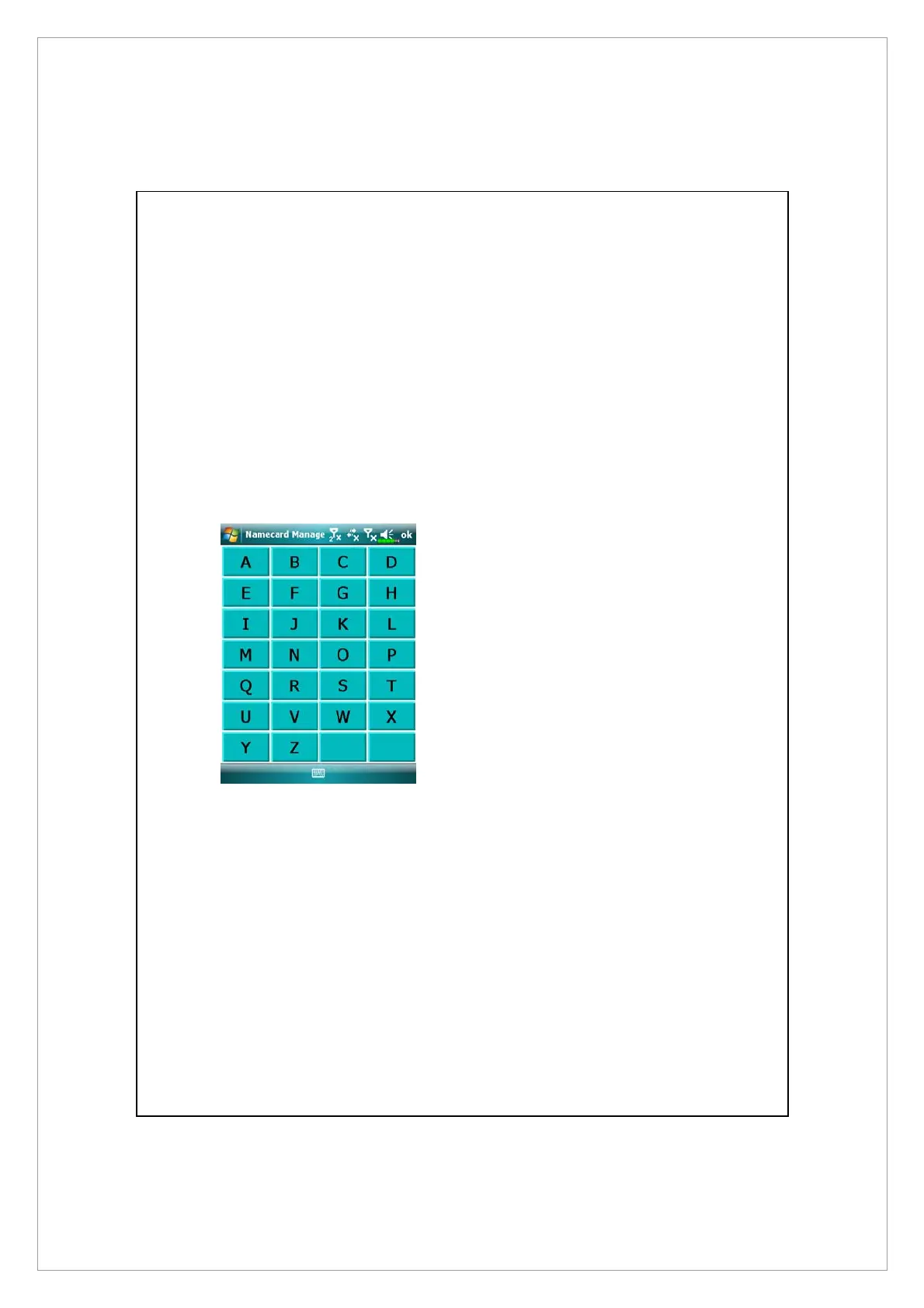
3. Quick search screen
After selecting a letter, the name
cards created in Namecard
Manager will be shown. The
matching name or company
entries will be shown on the name
cards management list.



 To Next Page