10-4
Action Instructions
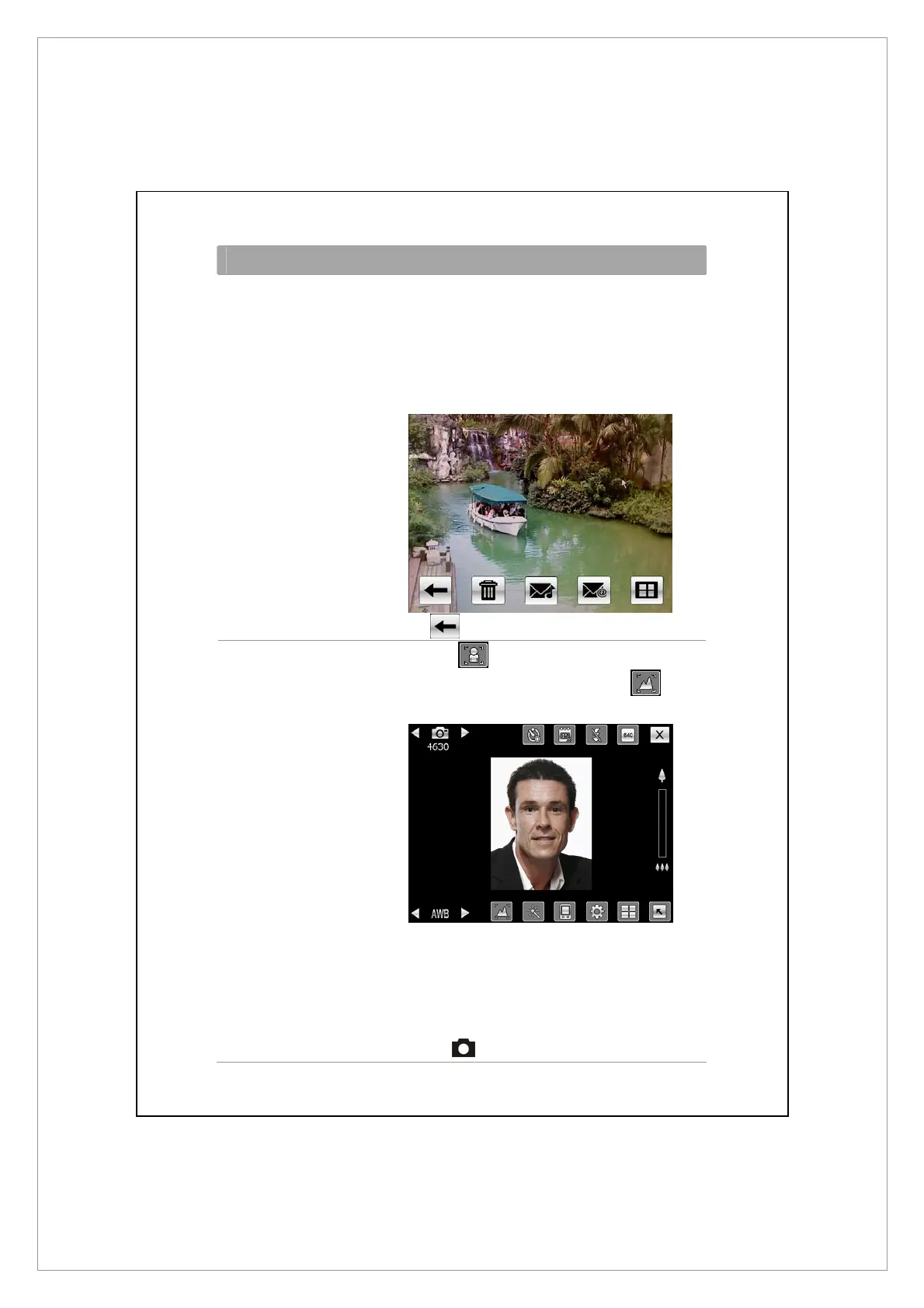
Scenery or Portrait
(Default)
4. If you are in the camera mode from the
guidance wizard, pressing the camera shutter
will link you to the applications. For more
information about the provided tools, please
refer to the later descriptions.
5. Tap
to continue with the next shot.
Self Portrait 1. First tap along the bottom of the
screen. When the icon changes to
, the
front camera lens will be used.
2. Or flip the Pocket PC over and face the “self
portrait mirror” beside the camera lens
toward yourself.
3. If the screenshot is good, press the camera
shutter
to take the picture.



 To Next Page