Multimedia 10-5
Video Instructions
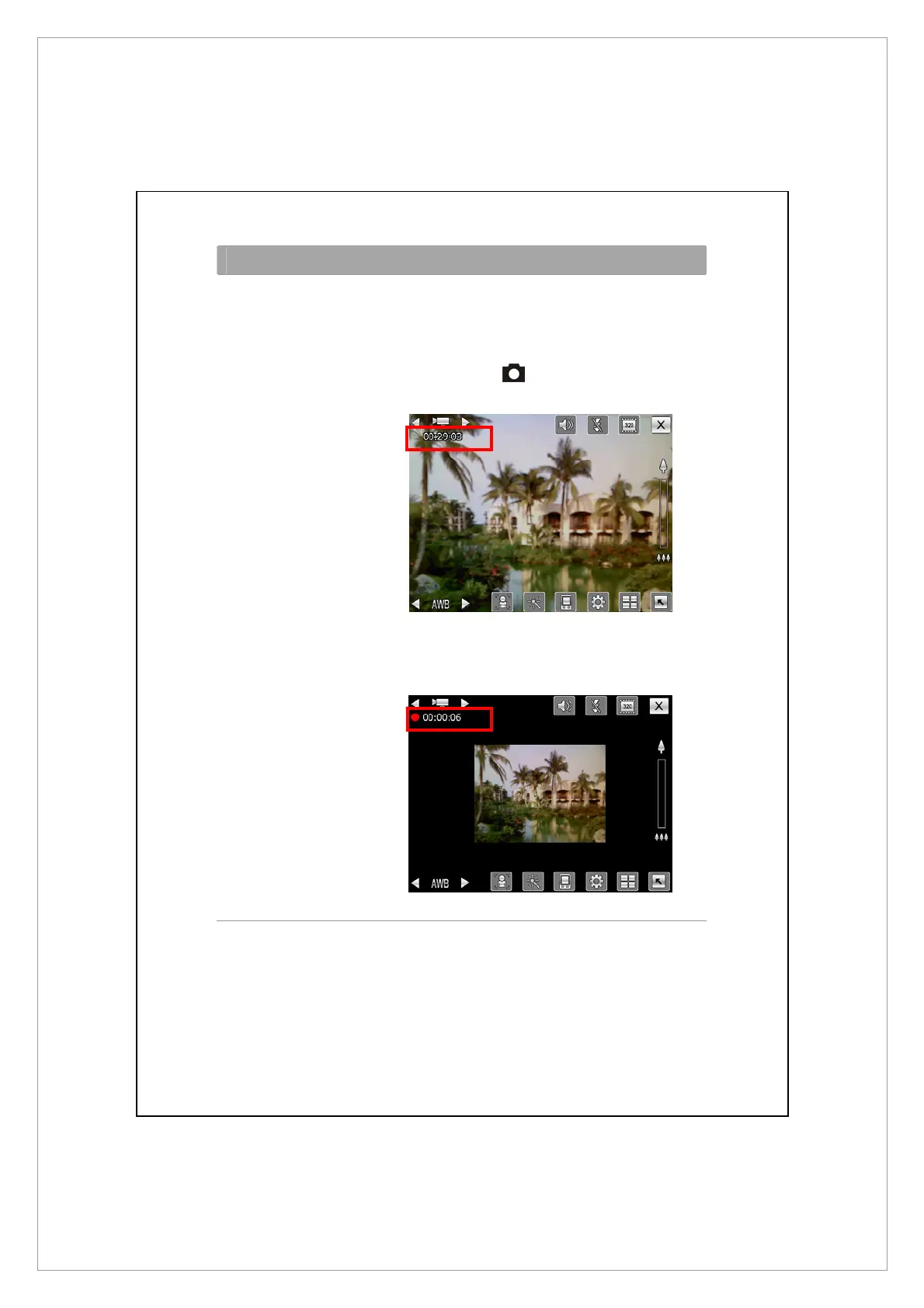
Video 1. Switch to the video mode.
2. Face the Pocket PC toward you.
3. If the screenshot is good, press the
camcorder key
on the side of the Pocket
PC to begin filming.
4. During filming, you will see a red dot and
flashing numbers of time lapsed at the upper
left of the screen.



 To Next Page