10-6
Video Instructions
Video 5. Press the camcorder key again to stop
filming. If you are in the video mode from the
guidance wizard, stopping filming will link
you to the applications. For more information
about the provided tools, please refer to the
later descriptions.
6. Tap
to continue with the next video
segment.
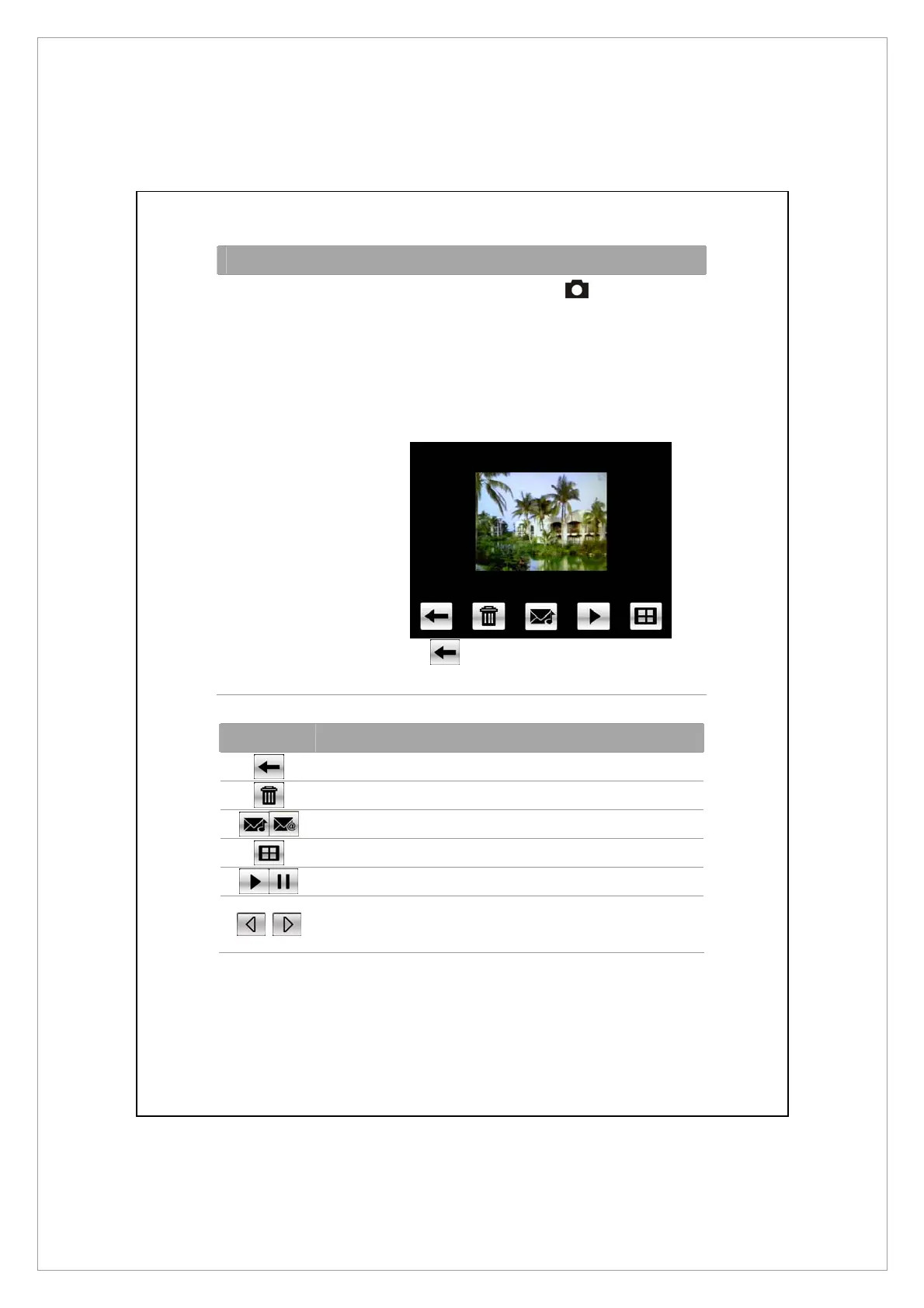
Icon Toolbar Description
Continue to shoot or film
Delete the current camera or camcorder
Link to MMS Message or Messaging
Link to Album
When using camera mode, play or pause the video.
When using “Continuous Shot” mode, go to the
previous or next picture.



 To Next Page