6-2
1. Software installation: You could use the Getting Started CD to install
Windows Mobile
®
Device Center on the personal computer.
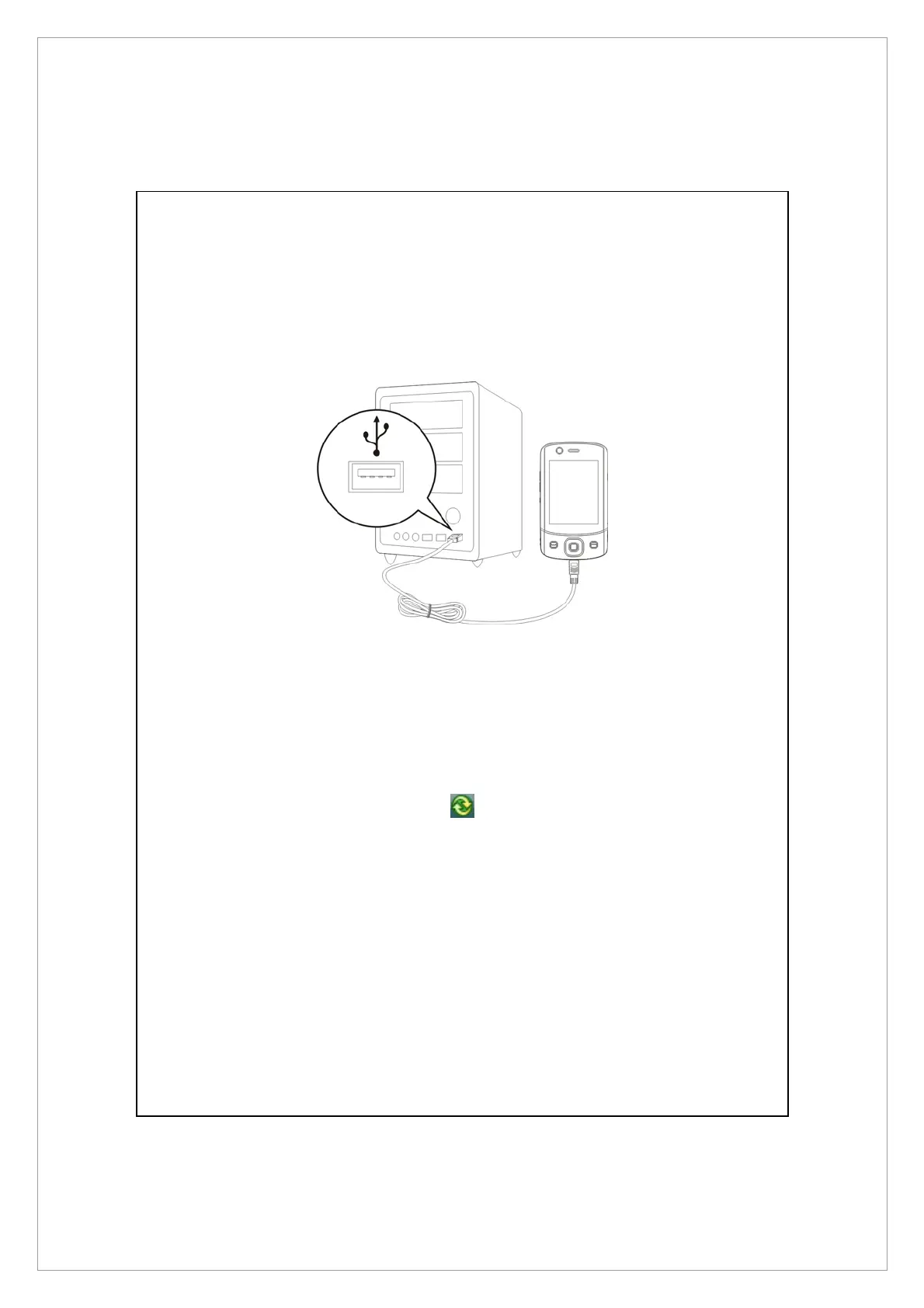
2. Hardware installation: The USB cable is a plug-and-play device. Use the USB
cable to connect your Pocket PC to your personal computer.
3. Using Windows Mobile
®
Device Center
n
After installation is complete, the Setup Wizard helps you customize your
synchronization settings.
o
Once you use the USB cable to connect the two devices properly, the Set Up a
Partnership screen appears on the personal computer. Set it up according to
your requirements. The green icon
appears on the status bar of your
personal computer to indicate that it is Connected.
USB Port



 To Next Page