7-6
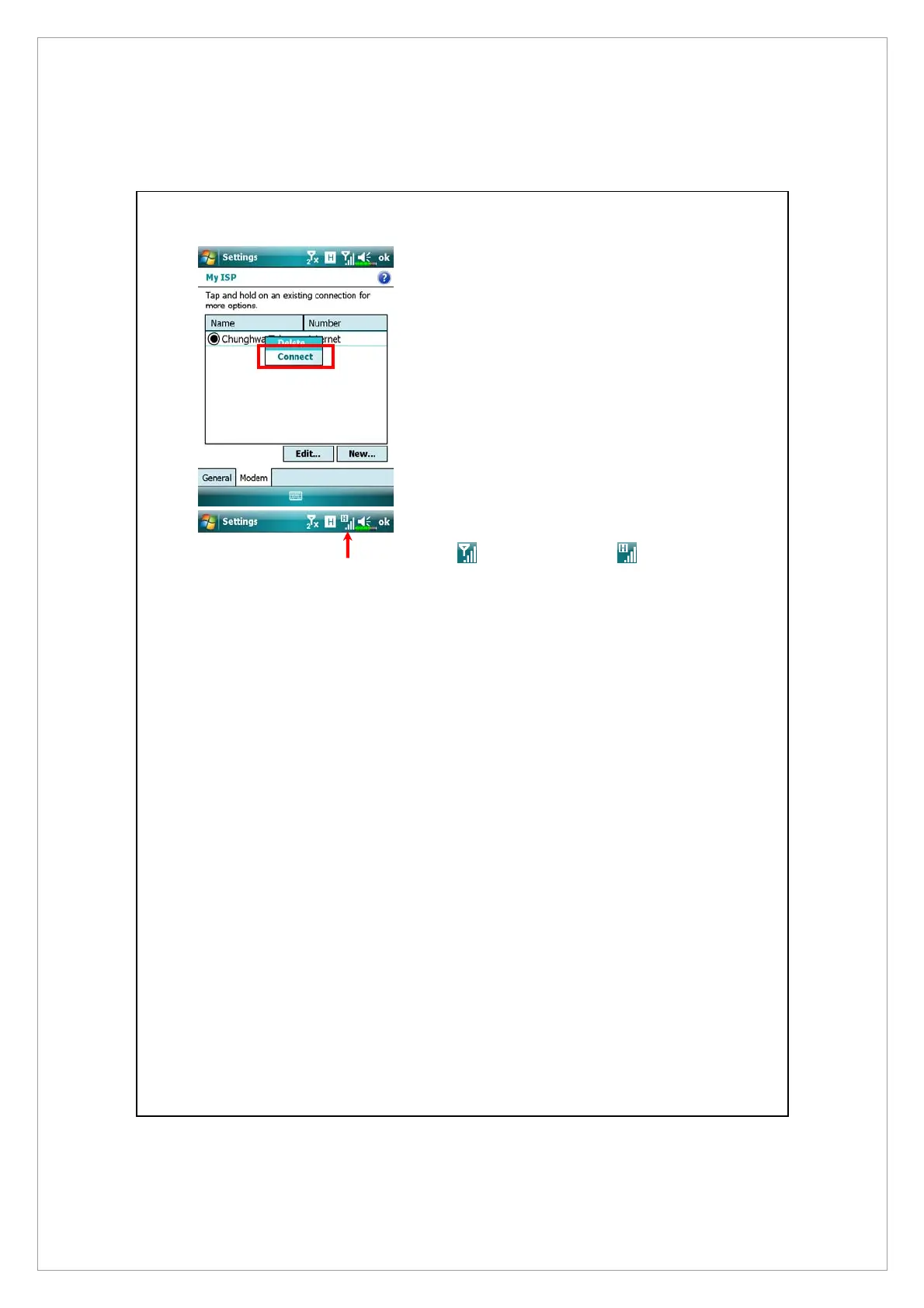
4. Connect GPRS: Select “Manage existing
connections” in Connections. Tap and
hold on the newly created connection
name, and then select Connect to
enable GPRS connection.
5. Input your account information in the
Logon Network screen and tap to login
to the network.
6. After the connection is established, the
icon will change to .
7. Now you can use the appropriate
program to access the Internet, receive
or send E-mails, etc.



 To Next Page