Emails and Messages 9-17
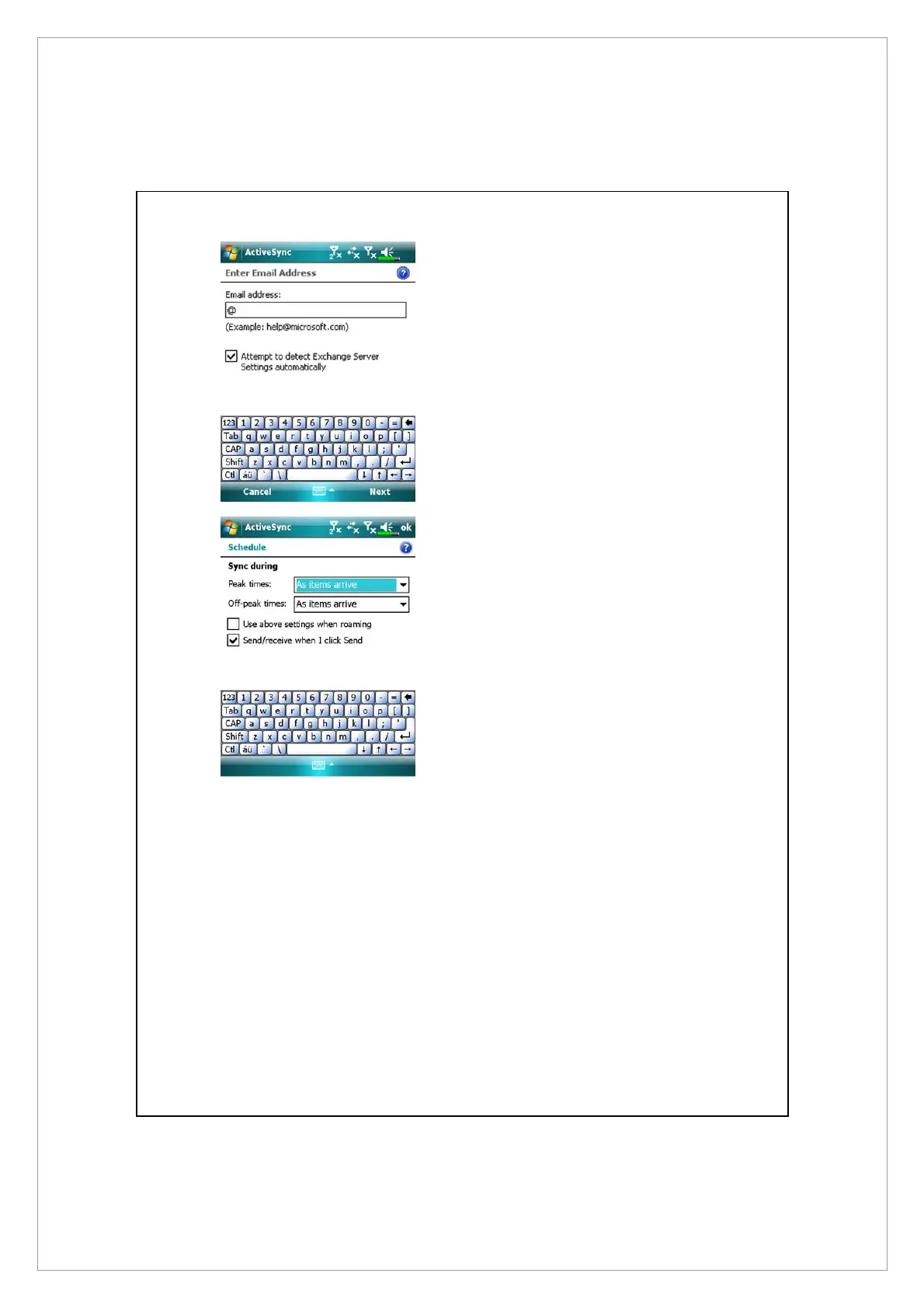
2. Obtain the e-mail, server address,
user name, network etc. from the
company network administrator
to successfully setup the server
data.
3. Tap Menu and then Schedule.
The Peak times and Off-peak
times provide a As items arrive
option, this is the direct push
technology alert function.



 To Next Page