2-17
Á
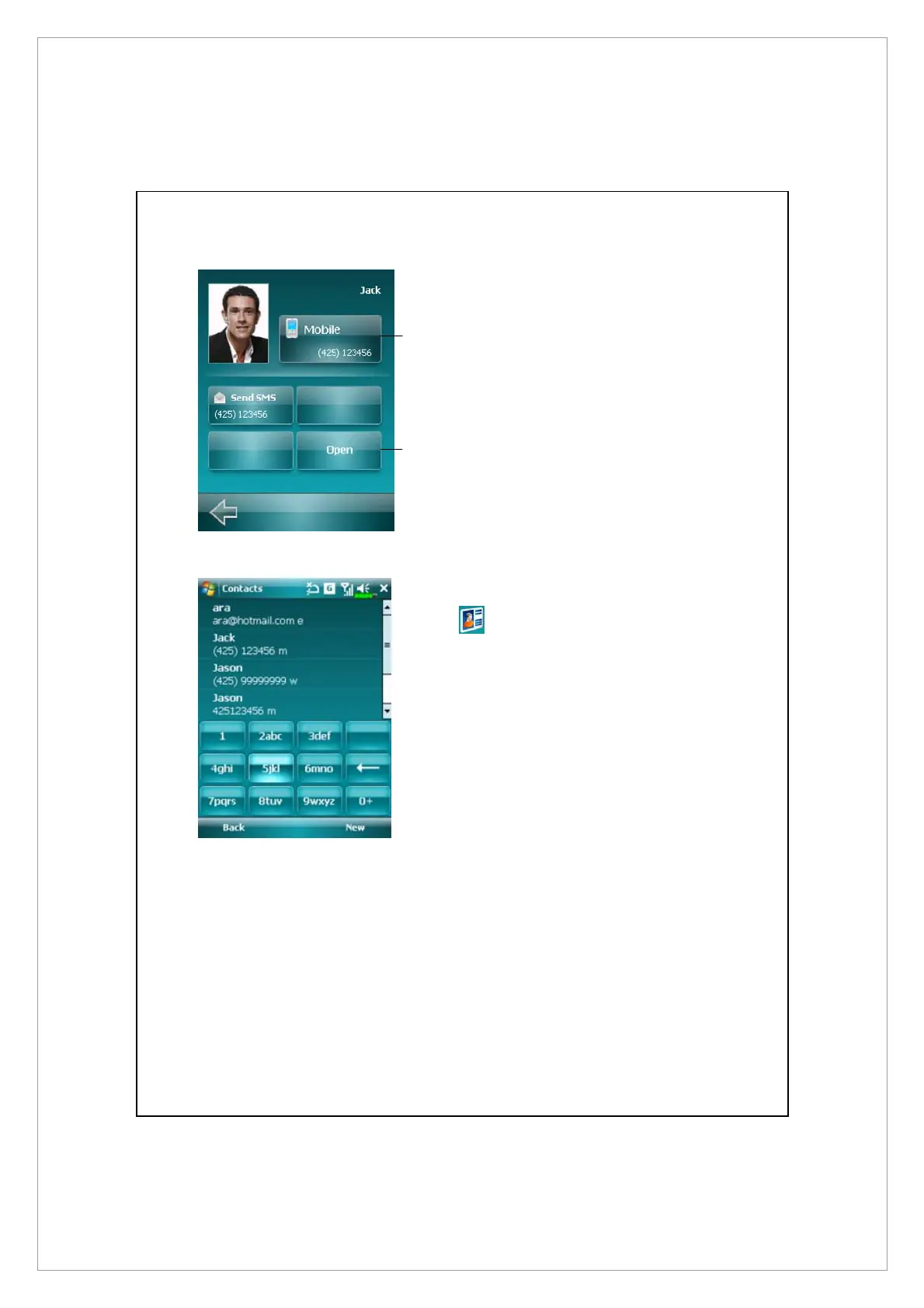
On the Speed Dial panel, tap the
photo, name, or number of the
contact whom you want to call.
The contact panel of your
selected contact is then
displayed.
n
Select one of the phone numbers
that you want to dial or send a
text message.
o
Tap Open to view the contact full
details card.
Á
On the Speed Dial panel, tap
. The Spb Contacts panel is
then displayed. When you start
entering a phone number or
contact name, Spb Contacts will
automatically search and sort the
contact entries that match the
sequence you have entered. You
can then select the desired
number or contact from the
filtered list to dial.
n
o



 To Next Page